1
Interactive Set-Up
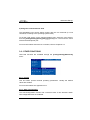
3.5.3 - Connecting a Serial Terminal
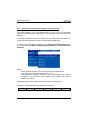
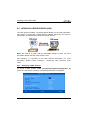
Two serial terminals can be attached to the AX3000’s serial ports. These serial
terminals communicate with the target server(s) using the AX3000’s embedded
telnet service.
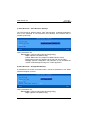
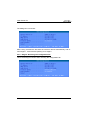
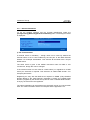
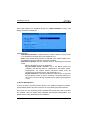
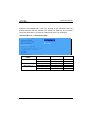
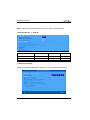
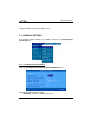
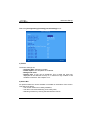
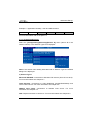
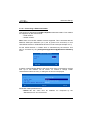
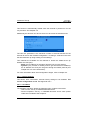
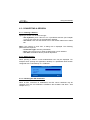
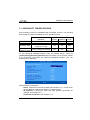
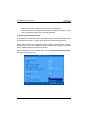
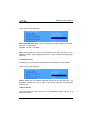
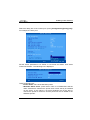
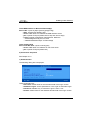
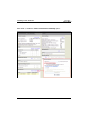
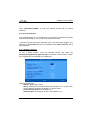
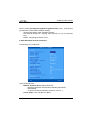
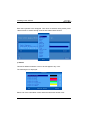
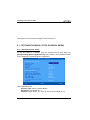
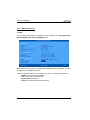
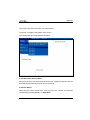
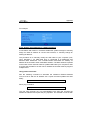
To configure the telnet service for the chosen serial port, select the
[Configuration]-[Ports]-[xxx ]-[yyy] dialog and enter the following parameters:
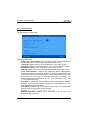
- Service: select telnet.
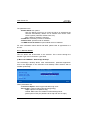
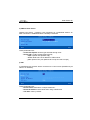
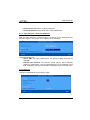
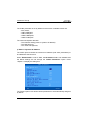
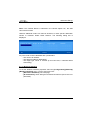
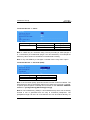
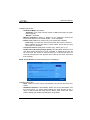
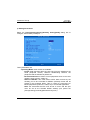
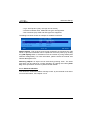
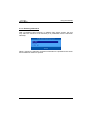
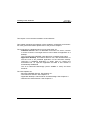
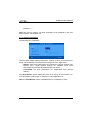
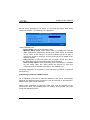
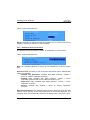
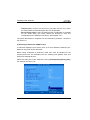
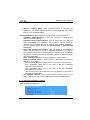
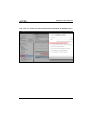
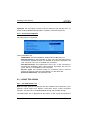
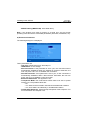
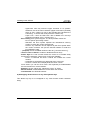
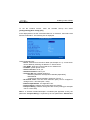
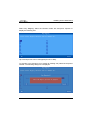
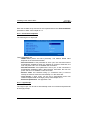
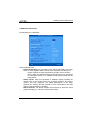
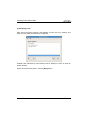
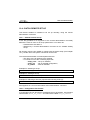
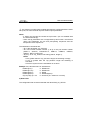
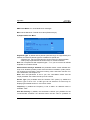
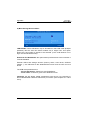
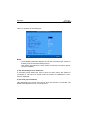
- Parameters: the following box is displayed:
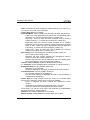
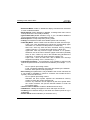
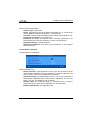
- Server: selected from the server table (see Chapter 3.1.4). A new
server can be added by selecting 'IP address' or 'Server Name'.
- TCP Port: usual value is 23.
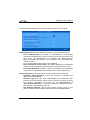
- TERM: the value of this variable is 'negotiated', between the server
and the AX3000.
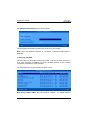
- Auto-Connection: if this parameter is set to 'yes', the connection will
be automatically established when the AX3000 is powered-up.
Alternatively the user can press any key on the serial terminal
keyboard to initiate the connection.
- Auto-Reconnection: if this parameter is set to 'yes' a new connection
is automatically established after a disconnection. If set to ‘no’ the
user can press any keyboard key to establish a new connection.
- Enhanced parameters: see Appendix A.8.3.
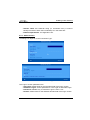
Note: the serial auxiliary port used must be configured for 'bi-directional'
operating mode.
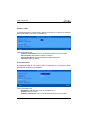
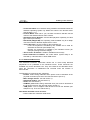
3.5.4 - Connecting other Peripherals
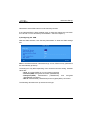
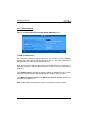
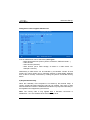
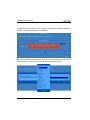
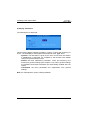
The Unix/Linux tty service provides bi-directional control of the device.
86
AX3000 - User's Manual