1
Danish Interpretation Systems
User Manual
Configuration menu
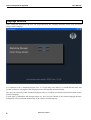
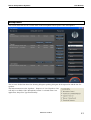
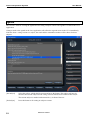
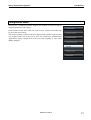
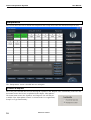
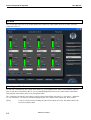
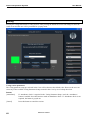
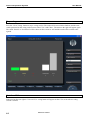
Selecting the ‘Configuration Menu’ displays new buttons to access screens for
changing parameters and settings
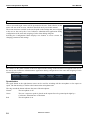
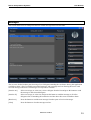
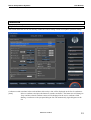
Each selection on the menu calls one of the screens, which are described one
by one in the next sections.
The menu selections available to the user depend on the settings of the role that
was assigned to the user or the seat by the CAA (Conference Administration
Application) during configuration of the seats and assigning of roles when
adding delegates.
.
Manual 01 19 60012
27