1
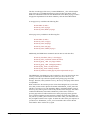
A1
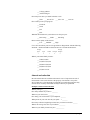
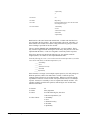
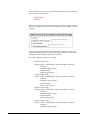
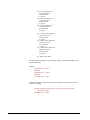
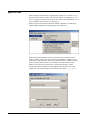
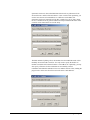
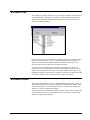
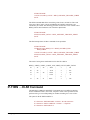
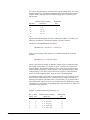
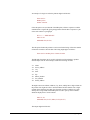
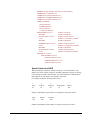
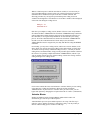
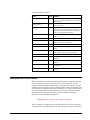
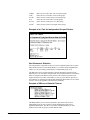
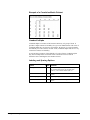
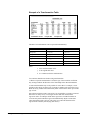
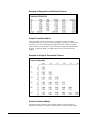
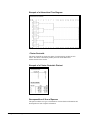
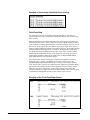
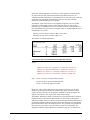
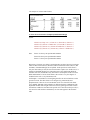
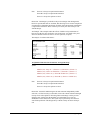
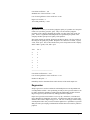
creates 1 alpha variable using 1 column
2A35
creates 2 alpha variables each using 35
columns
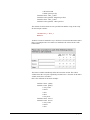
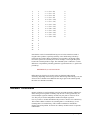
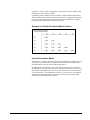
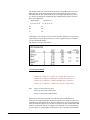
5N4 2A1 3N7.2
creates a study with 10 variables.
1-5 are numeric each using 4 columns,
6-7 are alpha using 1 column each,
8-10 are numeric using 7 columns each
with 2 significant decimal places
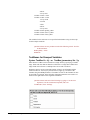
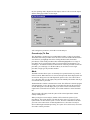
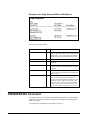
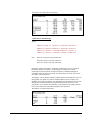
Check Codebook and Data
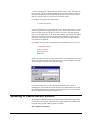
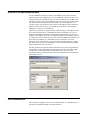
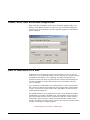
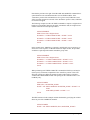
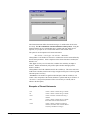
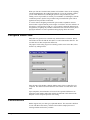
This utility program will verify the integrity of a codebook and data file. If errors are
found the program will attempt to fix them. If you have created a codebook to match
a foreign data file (one created by a program other than StatPac), use this program to
make sure that the data record lengths match the codebook you created.
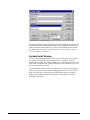
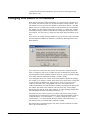
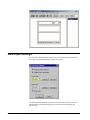
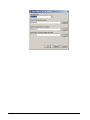
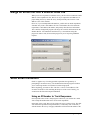
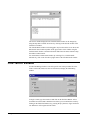
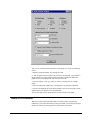
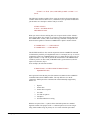
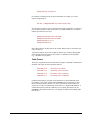
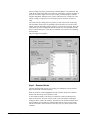
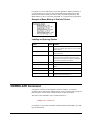
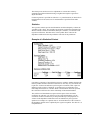
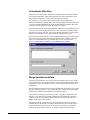
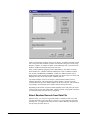
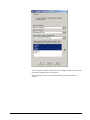
Select the codebook and data file to be checked and click OK. If the program
corrects any errors, they will be listed in the notepad.
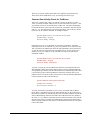
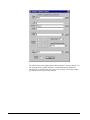
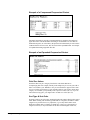
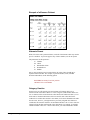
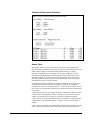
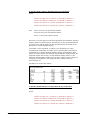
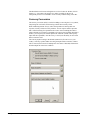
Sampling
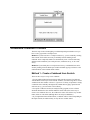
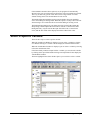
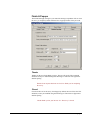
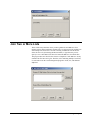
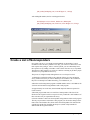
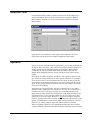
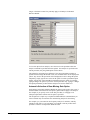
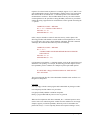
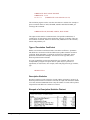
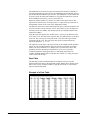
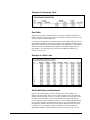
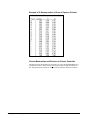
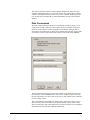
The Sampling program is used to generate a random number table, create a random
digit dialing table for telephone studies, and to select a random sample from a data
file.
StatPac For Windows User's Manual
Utilities • 425