1
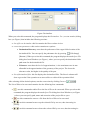
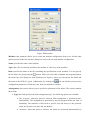
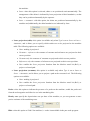
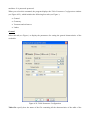
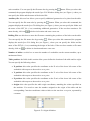
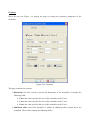
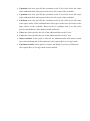
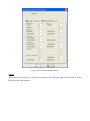
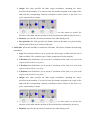
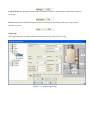
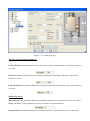
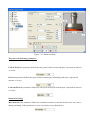
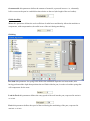
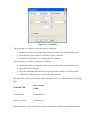
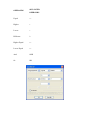
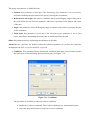
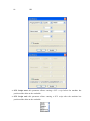
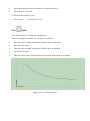
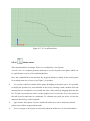
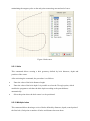
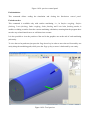
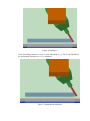
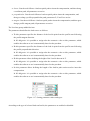
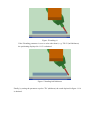
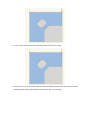
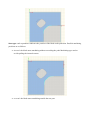
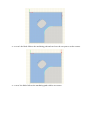
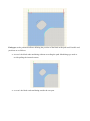
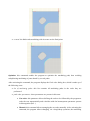
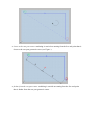
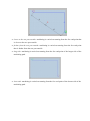
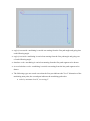
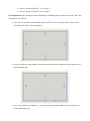
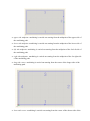
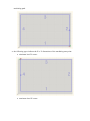
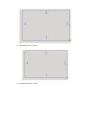
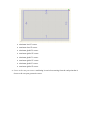
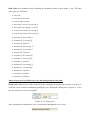
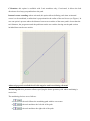
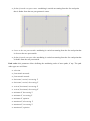
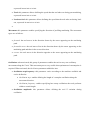
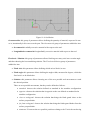
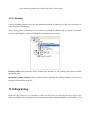
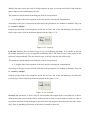
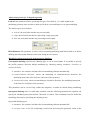
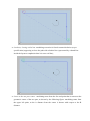
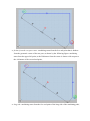
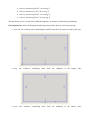
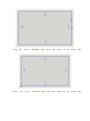
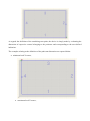
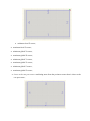
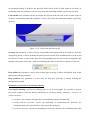
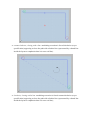
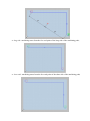
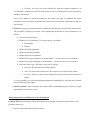
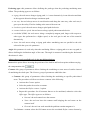
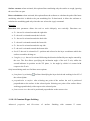
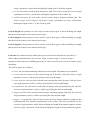
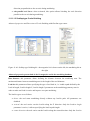
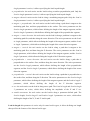
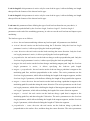
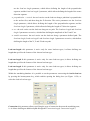
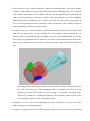
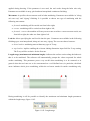
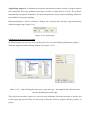
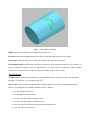
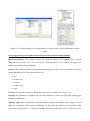
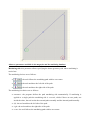
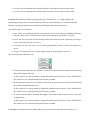
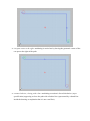
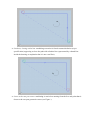
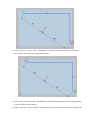
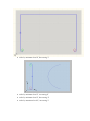
Direction: this parameter allows defining the machining path end-point where the tool starts machining the part. The possible choices are: from the top: with the Angle parameter set to 0 the tool starts machining from the path endpoint with maximum Y coordinate. from the bottom: with the Angle parameter set to 0 the tool starts machining from the path end-point with minimum Y coordinate. Lead-out length: this parameter is active only when machining moves along a zigzag path; it allows defining the length of the segment the tool must cover when leaving the part after each run. Start angle: this parameter is active only if the Machining side parameter is set to All, and allows defining the angle width, with respect to the X axis, where the machining start point is to be positioned. Lead-in: this parameter allows specifying the type of tool lead-in, i.e. it adds a path defined by the Lead-in length, Lead-in length 2, Lead-in length 3 parameters at the machining geometry start in order to make tool lead-in easier and improve raw part machining. The lead-in types are as follows: direct: the tool starts machining directly without any lead-in path. All parameters are disabled. vertical: the tool carries out the lead-in along the Z direction. Only the Lead-in length parameter is active; it allows specifying the lead-in path length. router direction: the tool carries out the lead-in along the router direction. Only the Lead-in length parameter is active; it allows specifying the lead-in path length. perpendicular: the tool carries out the lead-in along a surface-perpendicular path. Only the Lead-in length parameter is active; it allows specifying the lead-in path length. tangent: the tool carries out the lead-in along a machining-tangent path. Only the Lead-in length parameter is active; it allows specifying the lead-in path length. tangent + perpendicular: the tool carries out the lead-in along a path that is tangent to the machining path first, and then perpendicular to the surface. The active parameters are the Lead-in length parameter, which allows defining the length of the tangent segment, and the Lead-in length 2 parameter, which allows defining the length of the perpendicular segment. tangent + router direction: the tool carries out the lead-in along a path that is tangent to the machining path first, and then along the router direction. The active parameters are the Leadin length parameter, which allows defining the length of the tangent segment, and the Leadin length 2 parameter, which allows defining the length of the router direction segment.