1
9.5. GSM Gateway Behaviour
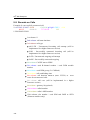
The gateway behaves like an ANSI terminal with an echo. The commands are
entered in the text format and the X-modem protocol is used for file transfer. The
gateway responses with the “OK” message after the login to the gateway. If not,
type: at and press <ENTER> key. In case the gateway is correctly connected, the
gateway responses by the „OK“ message. There is possible to set username and
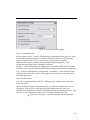
password to ensure better security of the gateway. The gateway responses with the
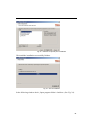
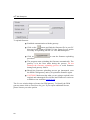
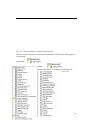
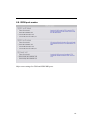
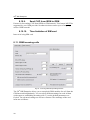
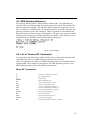
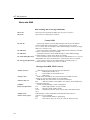
message shown in the Fig. 44 if the login name is required. After entering of your
login name press <ENTER> and after that enter the password.
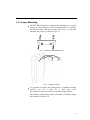
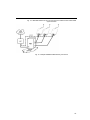
Fig. 44 – Login message
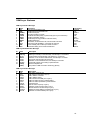
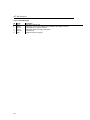
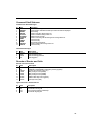
9.6. List of Terminal AT Commands
All commands start with AT by default. (Note: Some of the below mentioned AT
commands may not be available in the current firmware versions.)
Note: AT commands are same as for BRI Enterprise gateway. Commands which
contains BRI1 (Pxx) settings are not used in 2N® BRI Enterprise gateway. 2N®
BRI Enterprise gateways has only BRI2 (Exx) interface.
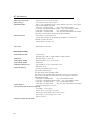
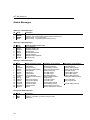
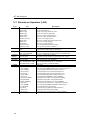
Basic AT Commands
A/
I3
...repeat last command (without AT)
...copyright & firmware
I4
&FRES
...serial number
...factory defaults & reset
&V
&VI
...view active parameters (system)
...view active parameters (isdn)
&V0
&V#
...view active parameters (common)
...view active parameters (modules 1..2)
&V9
&VALL
...view active parameters (inc. groups)
...view all group parameters
&P
&N#
...view pseudo params
...view network params (net 1..8)
&NALL
&A
...view all network params
...view autorouting table <SPACE...continue>
87