1
USER’S MANUAL
Overview
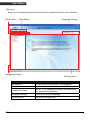
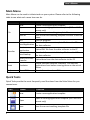
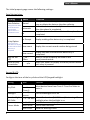
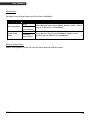
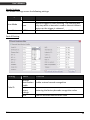
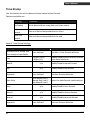
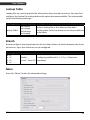
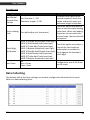
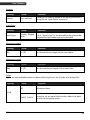
Refer to the following illustrations to familiarize yourself with the user interface.
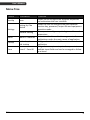
Quick Tools
Main Menu
Navigational Pane
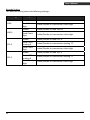
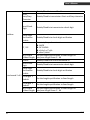
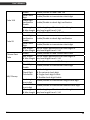
Description
Main Menu
Quick Tools
Navigational Pane
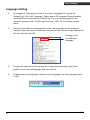
Language Settings
Working Area
ZAC
Language Settings
Working Area
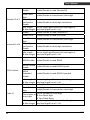
Function
To access all the functions in the program
Frequently used functions are listed here
Select “+” to expand the menu tree and access
the programming options
Choose the display language.
The main settings area.
2