1
11.2. USE OF THE 3D-INTERFACE
231
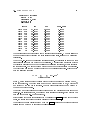
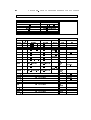
11.2.4.4 Project Panel
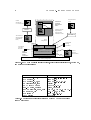
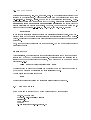
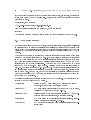
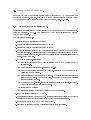
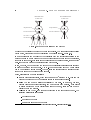
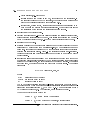
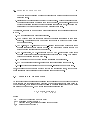
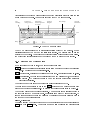
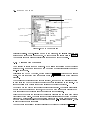
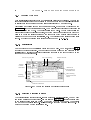
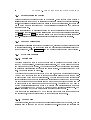
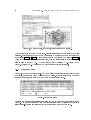
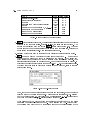
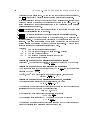
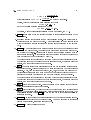
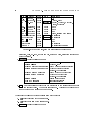
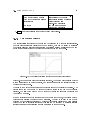
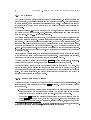
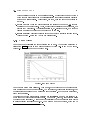
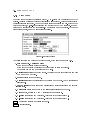
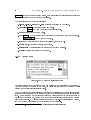
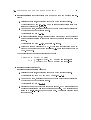
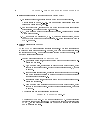
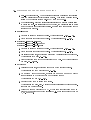
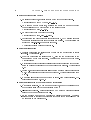
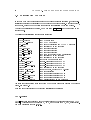
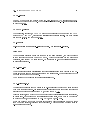
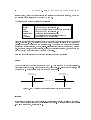
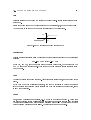
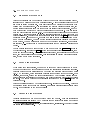
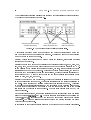
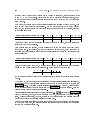
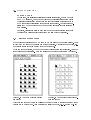
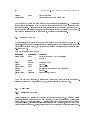
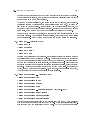
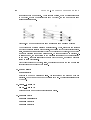
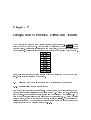
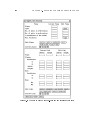
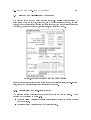
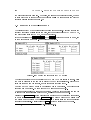
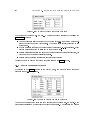
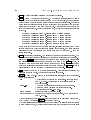
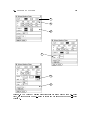
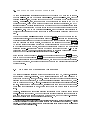
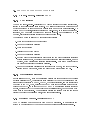
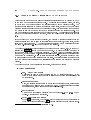
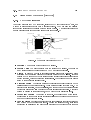
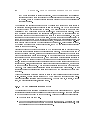
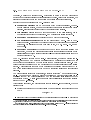
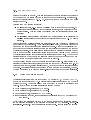
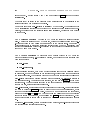
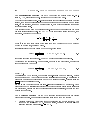
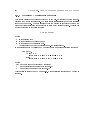
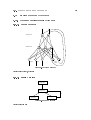
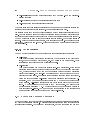
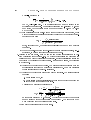
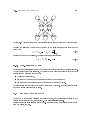
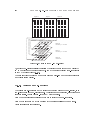
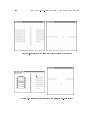
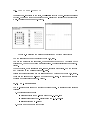
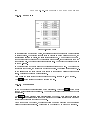
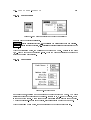
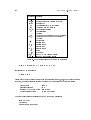
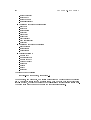
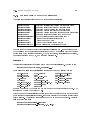
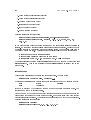
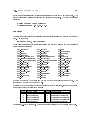
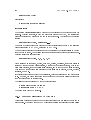
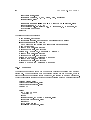
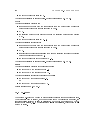
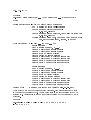
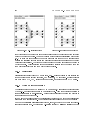
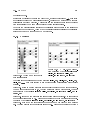
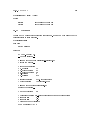
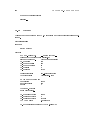
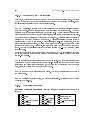
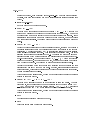
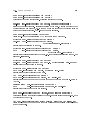
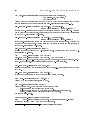
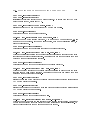
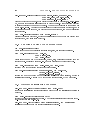
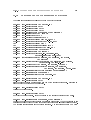
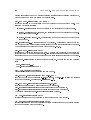
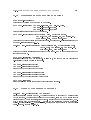
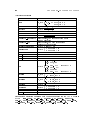
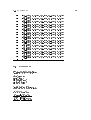
Figure 11.10: Model Panel (left) and Project Panel (right)
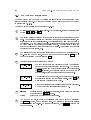
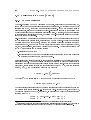
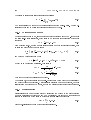
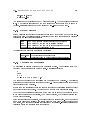
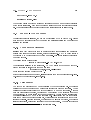
Here the kind of projection is selected.
PARALLEL selects parallel projection, i.e. parallels in the original space remain parallel.
CENTRAL selects central projection, i.e. parallels in original original space intersect in the
display.
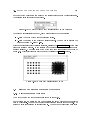
With the Viewpoint elds, the position of the viewer can be set. Default is the point
(0, 0, -1000) which is on the negative z-axis. When the viewer approaches the origin the
network appears more distorted.
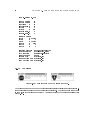
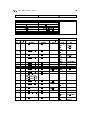
11.2.4.5 Light Panel
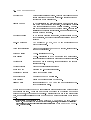
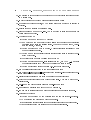
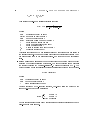
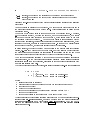
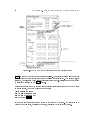
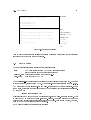
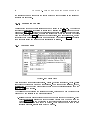
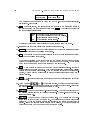
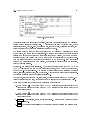
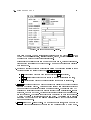
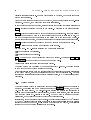
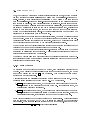
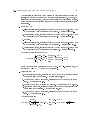
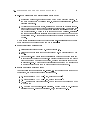
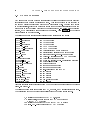
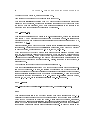
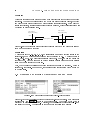
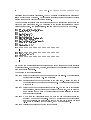
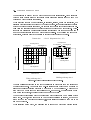
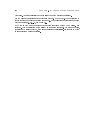
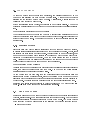
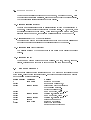
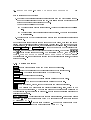
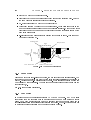
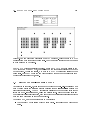
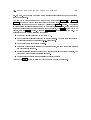
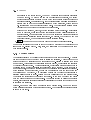
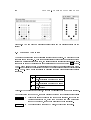
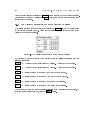
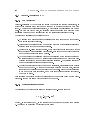
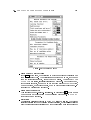
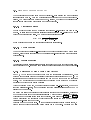
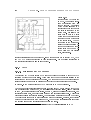
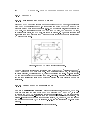
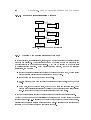
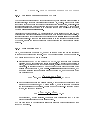
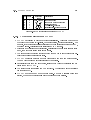
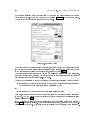
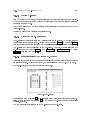
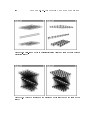
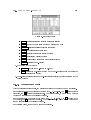
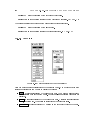
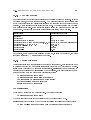
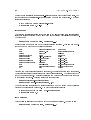
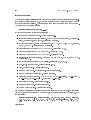
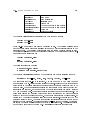
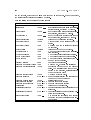
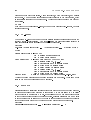
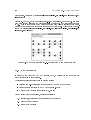
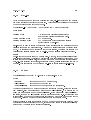
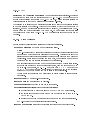
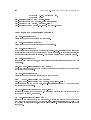
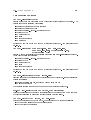
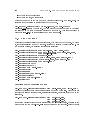
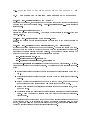
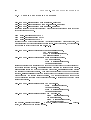
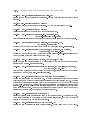
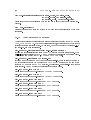
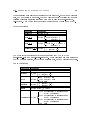
Figure 11.11: Light Panel
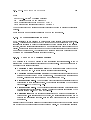
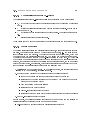
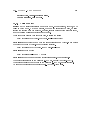
In the light panel, position and parameters of the light source can be set. The elds
Position determine the location of the source. It is set to (0, 0, -1000) by default, which
is the point of the viewer. This means that the net is illuminated exactly from the front.
A point in positive z-range is not advisable, since all surfaces would then be shaded.
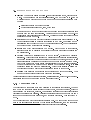
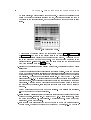
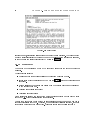
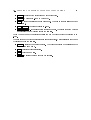
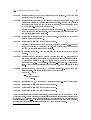
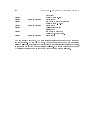
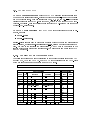
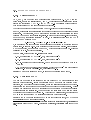
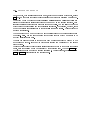
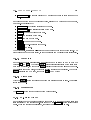
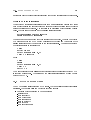
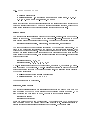
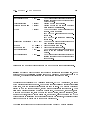
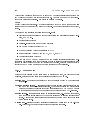
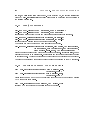
With the Ambient
Light
elds, the parameters for the background light are set.