1
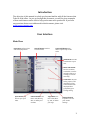
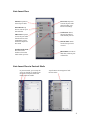
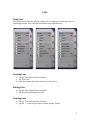
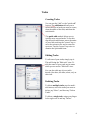
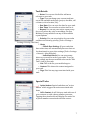
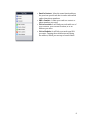
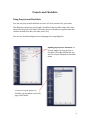
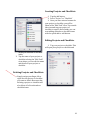
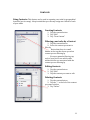
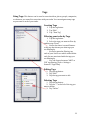
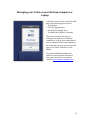
Lists Insert View All List: Tap here to view all your tasks Starred List: Tap here to view all your starred tasks Inbox List: Tap here to view all your tasks don’t have a list that assignment or that have been imported into Todo Overdue task count: is the total This number of overdue tasks within your list Lists Insert View in Portrait Mode In portrait mode, you can tap the arrow on the left or anywhere on the insert to flip the insert and make your lists visible. Focus List: Tap here to view all your tasks that fall under your Focus List settings Task count: This is the total number of tasks within your list Custom Lists: These are the lists you have created Edit button: Use this to add, edit, or delete your custom lists Tap the insert arrow again to hide the list insert. 4