1
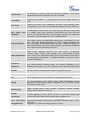
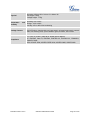
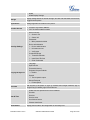
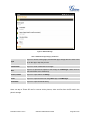
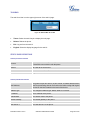
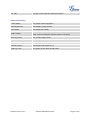
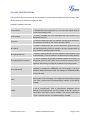
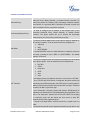
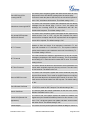
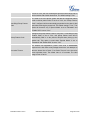
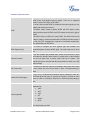
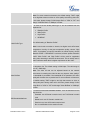
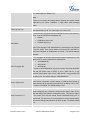
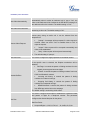
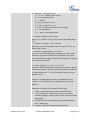
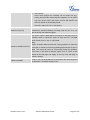
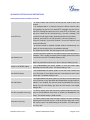
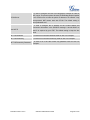
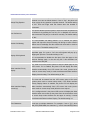
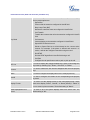
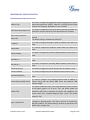
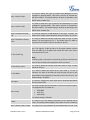
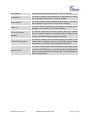
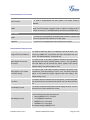
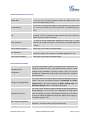
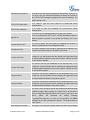
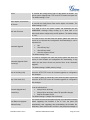
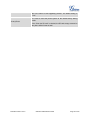
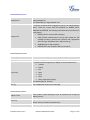
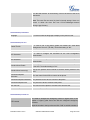
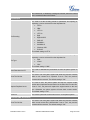
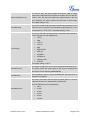
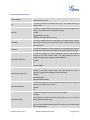
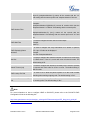
bootup, when F/W pre/suffix changes, Skip the Firmware Check. HTTP/HTTPS User Name. The user name for the HTTP/HTTPS server if set up on the server side. HTTP/HTTS Password. The password for the HTTP/HTTPS server if set up on the server side. Firmware Server Path. This defines the server path for the firmware server. It can be different from the configuration server for provisioning. Config Server Path. This defines the server path for provisioning. It can be different from the firmware server for upgrading. Syslog Syslog Level Select the level of logging for syslog. The default setting is "None". There are 4 levels: DEBUG, INFO, WARNING AND ERROR. Syslog Server Address. The URL/IP address for the syslog server. If the GXV3275 has network connection, the phone will send the syslog packets to this server address. Factory Reset. Open and tap on Factory Reset to restore the GXV3275 to factory default settings. Developer mode. This mode can be used via ADB tool for advanced debugging purpose. REBOOT Tap on "Reboot" to reboot the device. Firmware Version 1.0.3.6 GXV3275 Administration Guide Page 36 of 103