1
http://www.comartsystem.com
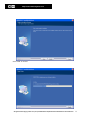
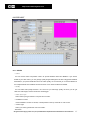
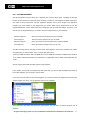
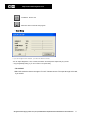
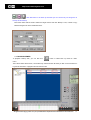
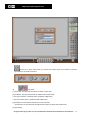
- SAMPLING RATE
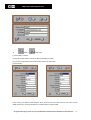
‘Sampling Rate’ is referred to the Audio sound level to record. The higher you select the rate, the clearer
the recorded sound you’ll get. In the mean time, the size of recorded Audio file will be bigger when you
select a higher bit rate.
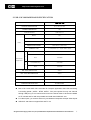
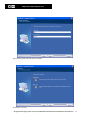
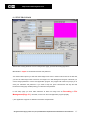
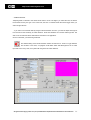
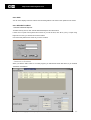
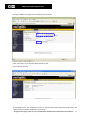
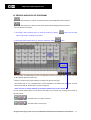
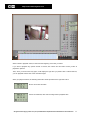
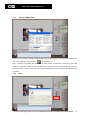
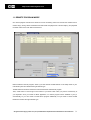
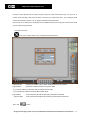
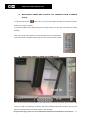
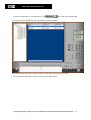
- If you want to record Audio data by using this Audio Detection Function, you need to adjust the height of
two red lines for the sensitivity of Audio detection. Audio data between two red lines will be ignored. The
data out of two red lines will be detected and recorded in our application.
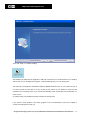
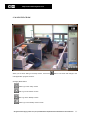
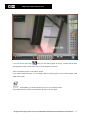
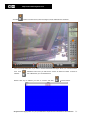
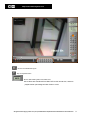
Once it is detected, you will see signs like left.
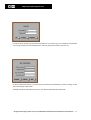
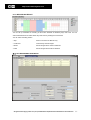
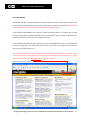
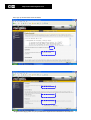
The default setting of this Audio Detection window is referred to 0. There is no gap between
two red lines. In this case, our program could detect Audio data although there is no Audio
input with some noisy. Then, the system will recognize it as Audio detected.
All rights reserved. Copying in whole or in part is prohibited without expressed written authorization from the manufacturer
29