1
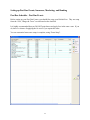
Edit Charges and Payments - Overview
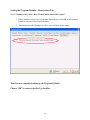
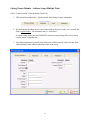
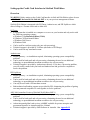
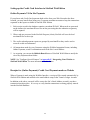
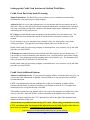
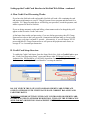
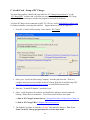
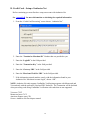
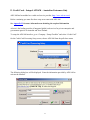
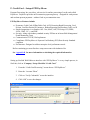
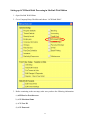
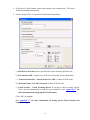
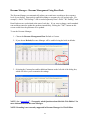
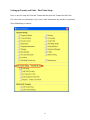
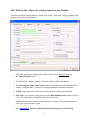
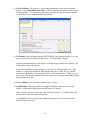
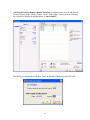
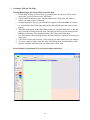
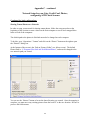
The next option on the Setup Checklist is “Edit Charges and Payments”.
This screen is to be used for the first time input and setup of existing tenants and ledgers into
SiteLink. In normal operations, it is better to adjust a customer's account by creating
administrative credits and charges so that a record of all transactions is maintained.
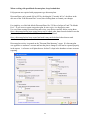
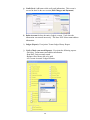
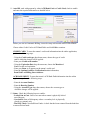
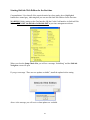
Some of the buttons on the “Edit Ledger” screen are not available when first setting up because
they are related to payments received, and no payments have been posted yet.
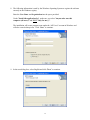
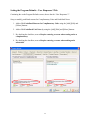
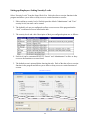
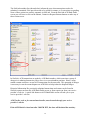
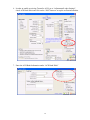
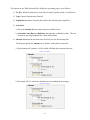
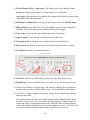
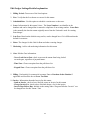
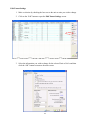
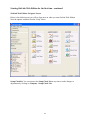
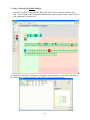
The Edit Ledger Accounts screen provides the means to:
1. Add new charges to a Tenant's ledger.
2. Delete charges from a Tenant's ledger if no payments have been made toward the charges
and if the charge is not locked by being previously included in a Daily Close.
3. Add credits to a Tenant's ledger.
4. Delete payments from a Tenant's ledger.
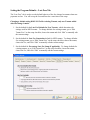
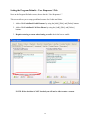
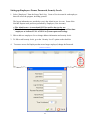
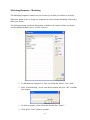
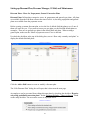
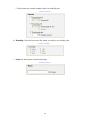
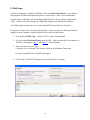
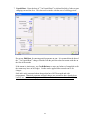
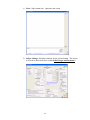
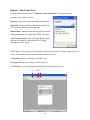
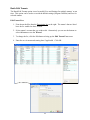
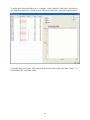
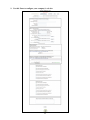
To continue, select a Tenant name from the list, and click “Next” to continue.
109