1
RSF361 – Manual v.6.0
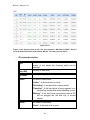
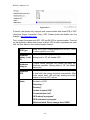
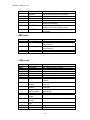
No.
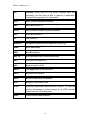
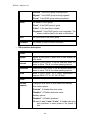
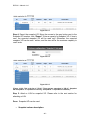
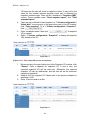
Number of this snapshot VD. The button next to the
snapshot VD No. shows the functions which can be
executed.
Name
Snapshot VD name.
Used (MB)
The amount of snapshot space that has been used.
Exported
Snapshot VD is exported or not.
Right
“RW” Æ Read / Write. The snapshot VD can be read /
write.
“RO” Æ Read Only. The snapshot VD can be read
only.
•
3.5.6
#LUN
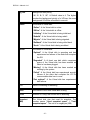
Number of LUN(s) that snapshot VD is attaching.
Created time
Snapshot VD created time.
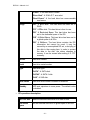
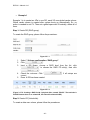
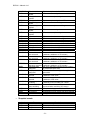
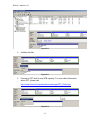
Snapshot operations description:
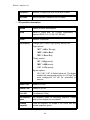
Export /
Private
Export / Private the snapshot VD.
Rollback
Rollback the snapshot VD to the original.
Delete
Delete the snapshot VD.
Attach
Attach to a LUN.
Detach
Detach to a LUN.
List LUN
List attached LUN(s).
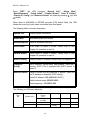
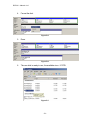
Logical unit
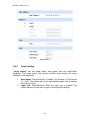
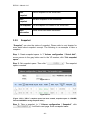
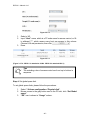
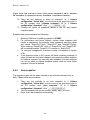
“Logical unit” can view the status of attached logical unit number of each VD.
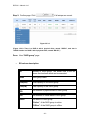
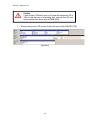
User can attach LUN by clicking the “
”. “Host” must enter a
fibre channel node name for access control, or fill-in wildcard “*”, which means
- 41 -