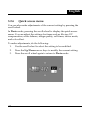
1
English
3 Using the camera
Read this section to learn how to use the camera.
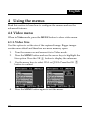
3.1 Video mode
Use Video mode to capture video clips and store them in internal
memory or on an SD card.
3.1.1
Video mode icons
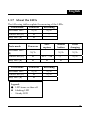
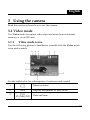
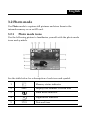
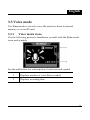
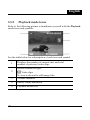
Use the following picture to familiarize yourself with the Video mode
icons and symbols.
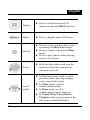
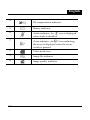
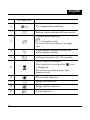
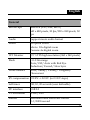
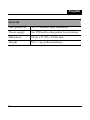
See the table below for a description of each icon and symbol.
1
Memory status
2
0002
3
17:31
YY/MM/DD
Display the number of files saved
Date and time.
33