1
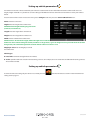
3.11.3 Find around different position
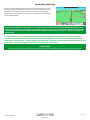
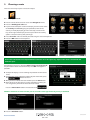
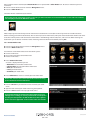
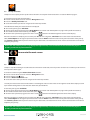
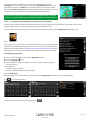
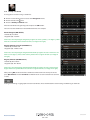
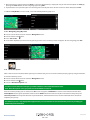
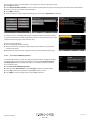
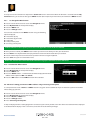
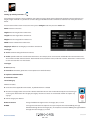
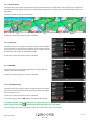
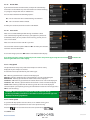
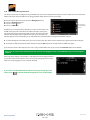
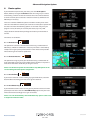
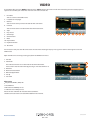
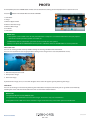
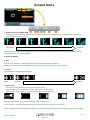
Press the centre of the screen to enter the ‘Navigate to’ menu.
Press the black arrow once.
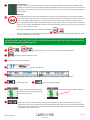
●● Press the ‘User POI’ icon.
●● Press the POI you wish to look for
●● Select ‘Find around different position’
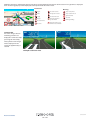
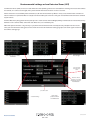
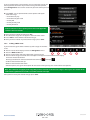
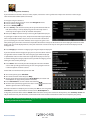
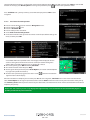
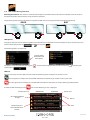
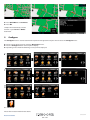
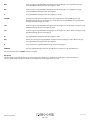
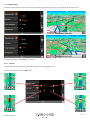
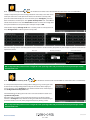
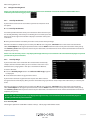
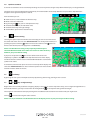
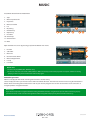
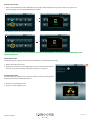
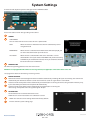
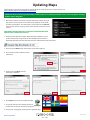
●● Press ‘Country’ and select the country where you would like to find the POI. (If the
country is already displayed, go to the next step). Use the arrow keys on the right to
scroll up and down the options.
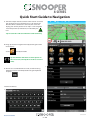
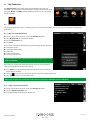
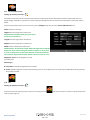
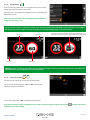
●● Next press ‘City’ and enter the city name using the keyboard displayed.
●●
●●
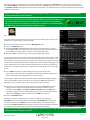
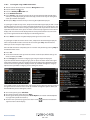
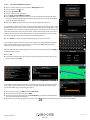
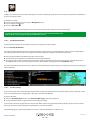
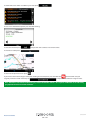
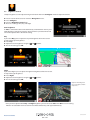
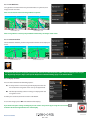
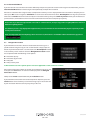
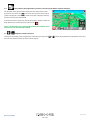
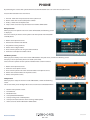
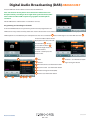
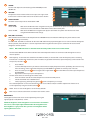
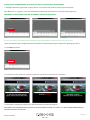
As you begin to input the city name, Snooper will automatically prompt you with a list of
possible matches. If you can see the name of the destination you are searching for in the
lower window, you can select it easily by selecting that name. If you wish to view the list
of possible destinations in full press the down arrow to the top right hand corner of the
display and a list of cities will be displayed then select your destination. Use the arrow
keys on the right hand side of the display to scroll through the list.
●●
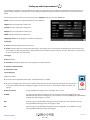
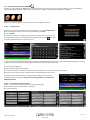
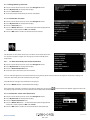
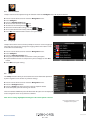
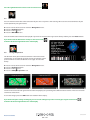
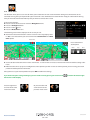
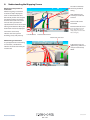
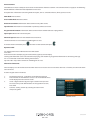
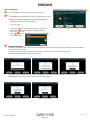
Press ‘Street’ and use the keyboard displayed to type in the street name.
As you begin to input the road or street name, Snooper will automatically prompt you
with a list of possible matches similar to when searching for ‘City’ described above.
When you see the road you require select it.
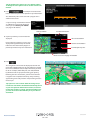
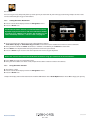
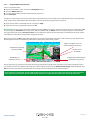
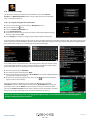
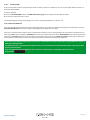
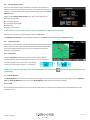
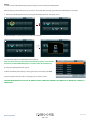
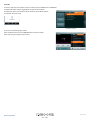
Once all fields have been completed you can view the new position by pressing ‘Map’ at
the bottom of the screen.
●●
●●
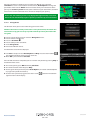
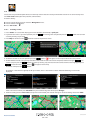
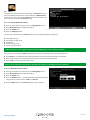
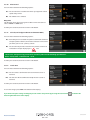
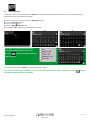
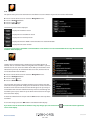
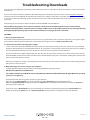
Press ‘Set’
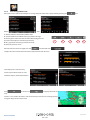
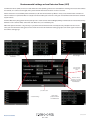
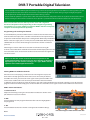
Select the maximum radius you wish the unit to search for (the default setting is 30
miles) and then press ‘OK’.
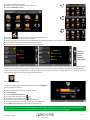
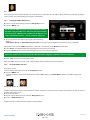
A list of POI’s within the specified radius and category will be displayed. Use the arrows
to the right hand side of the screen to scroll up and down through the options. When
you find the POI that you are looking for, select it.
To start the journey press ‘OK’ followed by ‘Calculate’.
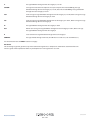
●● To view the location of the POI, press ‘Map’.
●● To change the route parameters press ‘Route Option’ (see Section 6: Route Options
on page 76 for specific instructions).
●● To return to the previous page press the return arrow
located on the bottom right hand corner of the display.
●●
Return to contents
8series100614
39 • UK