1
3.5 Competencies
Docebo can create and manage a system that matches the competencies that a user/group/corporate department
must obtain to a series of activities that the teacher/administrator determines as being necessary for acquiring them.
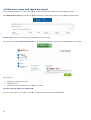
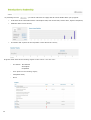
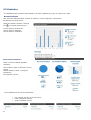
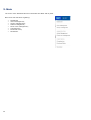
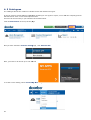
To access the Competencies area, select Main
Competences.
Creating and categorizing competencies is a preliminary operation for developing the system.
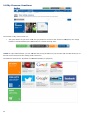
Categorization is done by creating a tree divided into various folders, each of which corresponds to a category.
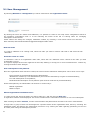
To create a new branch, click the Add button.
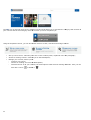
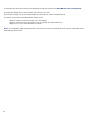
To create a competency, select the branch of the tree to which the competency belongs and click Map a
new competency.
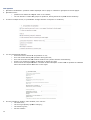
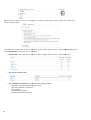
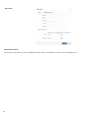
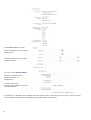
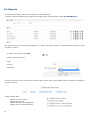
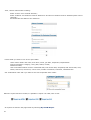
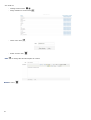
This page will be shown. Here you have to select a category, a language, give a name and a description to the
competency.
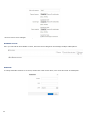
Assign a Category
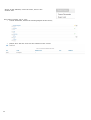
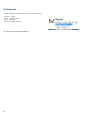
Assign a Typology to the competency:
Skill: technical competencies
Attitude: behavior
Knowledge: knowledge
and an Evaluation method:
44