1
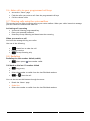
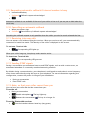
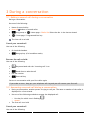
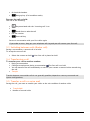
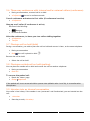
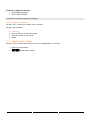
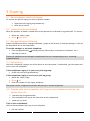
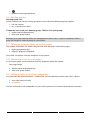
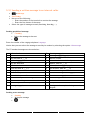
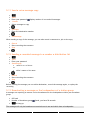
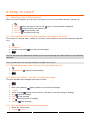
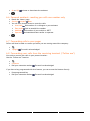
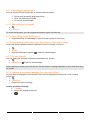
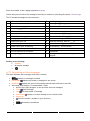
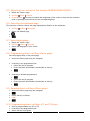
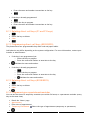
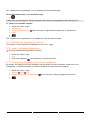
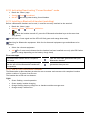
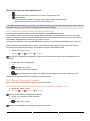
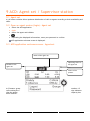
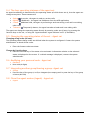
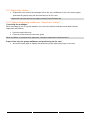
6 Keep in touch 6.1 Selecting calls to beforwarded When a forward is applied, you can select the types of call to be forwarded: outside, internal, all. Ext/Int Select the type of Out/Int call type of call forwarded is displayed Allcalls forward internal and outside calls External Forward outside calls Internal Forward internal calls 6.2 Forwarding calls to another number (immediate forward) The number can be your home, mobile or car phone, voice mailbox or an internal extension (operator, etc.). Immediate Number to be called Forward is acknowledged You can also select the destination number of the forward through the redial feature or the individual repertory. You can make calls, but only the destination number can call you. 6.3 Forwarding your calls to your voice message service Immediate»VM Forward is acknowledged 6.4 When you return, consult recorded messages The light indicates that messages have been received Voice Enter your password Display number of new and old messages Consult Select message Display name of sender, with date, time and ranking of message Play Listen to message Clear Erase message Call Call back sender of message Sendcopy Copy message 6.5 Activatedisable the personal assistant Reach the “Menu“ page Settings Assistant 31