1
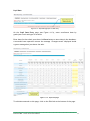
Standard
100%
Progressive
100%
Mature
100%
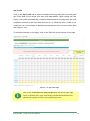
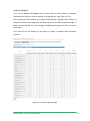
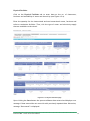
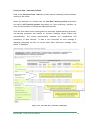
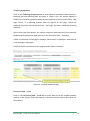
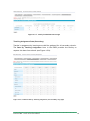
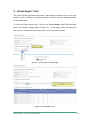
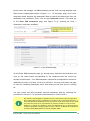
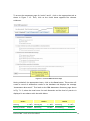
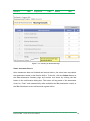
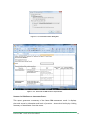
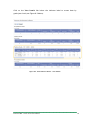
Figure 7.1-3. Summary of Assessment Page
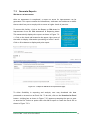
SUBMIT ASSESSMENT RESULTS
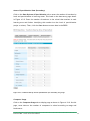
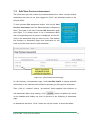
After assessment data are finalized and entered online, the school user may submit
the assessment results to the Division Office. To do this, click the Submit button on
the SBM Assessment Summary page and confirm this action by clicking the Yes
button in the confirmation dialog box. This action will tag status of the assessment
record to “Final” and automatically make available the SBM assessment results to
the SBM Coordinator at the division and regional office.
Enhanced BEIS – School Level Users Manual
30