1
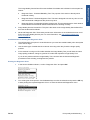
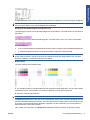
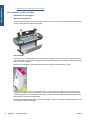
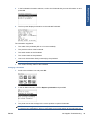
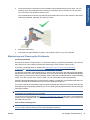
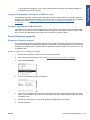
Pressing the “View ink levels” direct access key on the Front Panel will immediately show you the
ink levels. For more information about direct access keys, see Using the Front Panel on page 2.
Troubleshooting
●
“View Ink Levels” from the ink menu
●
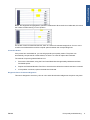
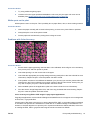
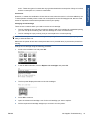
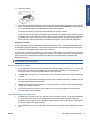
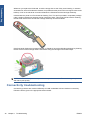
Choosing the View ink levels option from the Ink menu will immediately show you the ink levels:
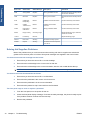
Obtaining Ink Cartridge Information
ENWW
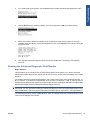
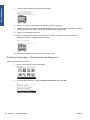
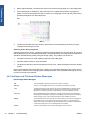
1.
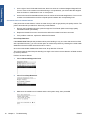
Scroll to the Ink Menu icon and press OK.
2.
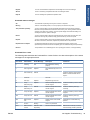
In the Ink Menu submenu, scroll to Ink cartridge information and press OK.
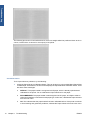
3.
In the Ink Cartridge Information submenu, scroll to the Ink Cartridge that you want information on
and press OK.
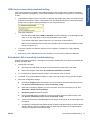
Ink Supplies Troubleshooting
35