1
User Manual of WAPC-1232HP
Default IP Address: 192.168.1.253
Default User Name: admin
Default Password: admin
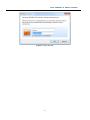
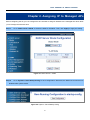
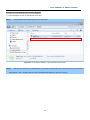
If the above screen does not pop up, it may mean that your web-browser has been set to a proxy. Go to
Tools menu>Internet Options>Connections>LAN Settings on the screen that appears, cancel the Using
Proxy checkbox, and click OK to finish it.
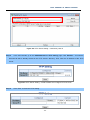
Step 2.
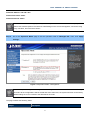
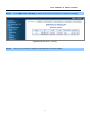
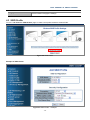
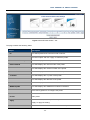
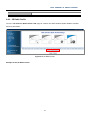
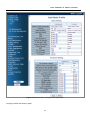
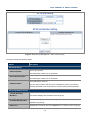
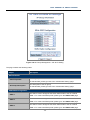
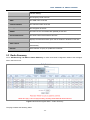
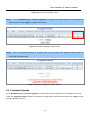
Go to the “Operation Mode” page to set the operation mode to “Managed AP”. Then, click “Apply
Change”.
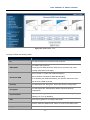
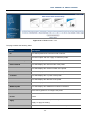
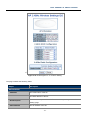
Figure 1-3 Operation Mode – Managed AP
Please back up the configuration settings before switching from the Standalone AP mode to the Managed
AP mode. All the configurations will be erased and at the same time, the system will return to the factory
default settings once it is reverted to the Standalone AP mode.
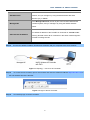
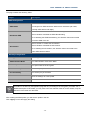
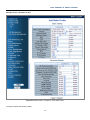
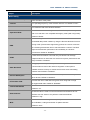
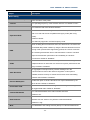
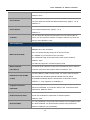
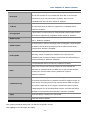
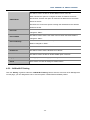
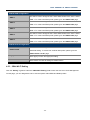
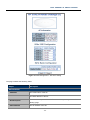
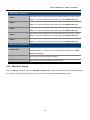
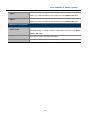
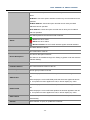
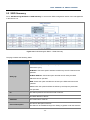
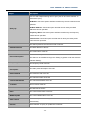
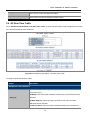
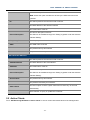
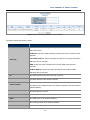
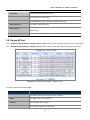
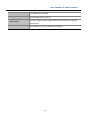
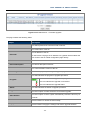
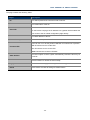
The page includes the following fields:
Object
Description
-3-