1
User Manual
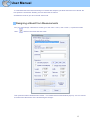
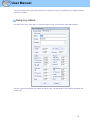
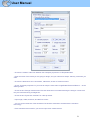
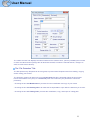
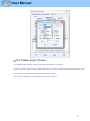
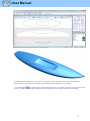
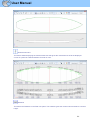
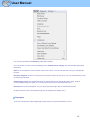
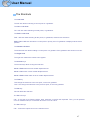
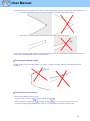
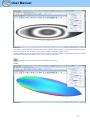
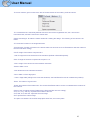
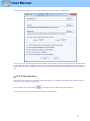
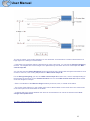
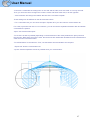
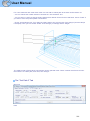
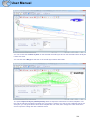
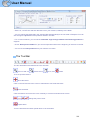
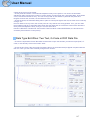
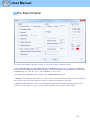
- You can set a Maximum curvature radius that will define the "kinks" of the toolpath. Then, you can set a
special speed for the kink zones. This is especially useful for the wings...
- The relative length of the Begin and End areas of the paths can be defined separately for lines, outline,
and stringer.
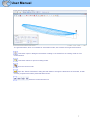
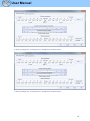
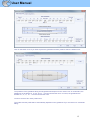
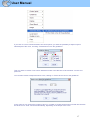
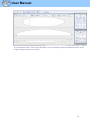
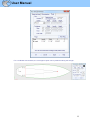
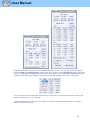
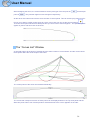
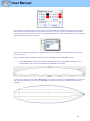
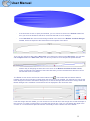
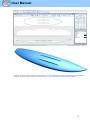
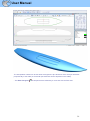
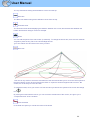
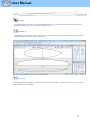
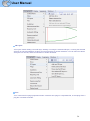
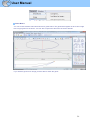
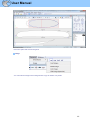
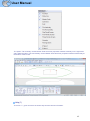
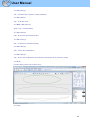
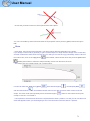
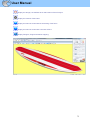
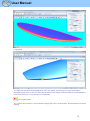
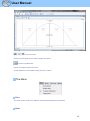
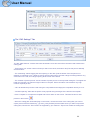
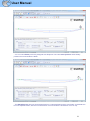
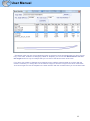
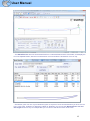
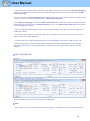
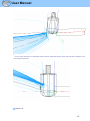
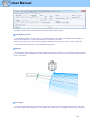
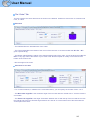
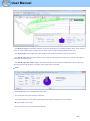
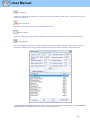
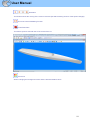
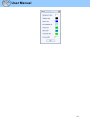
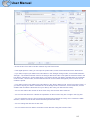
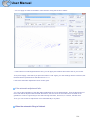
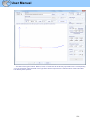
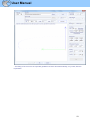
- Click on a line of the Cutting Speed window, to enlighten the corresponding sections of the cutting path.
These sections appear in blue when the speed is minimum and red when the speed is maximum.
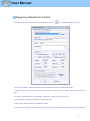
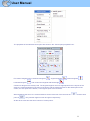
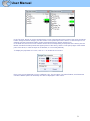
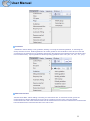
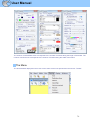
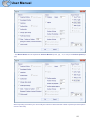
Double click on the cutting speed window lines to change the speeds.
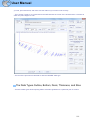
If the speed is set to 0, it means that there won't be any speed change while entering in this speed area.
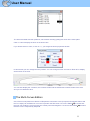
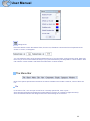
Each speed section can be de-activated for simplicity, so the Default speed will be applied and less speed
will need to be defined.
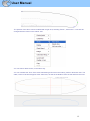
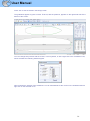
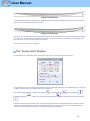
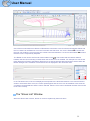
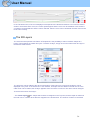
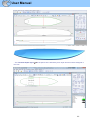
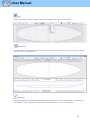
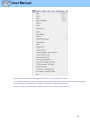
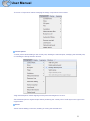
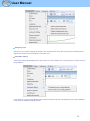
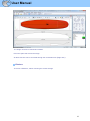
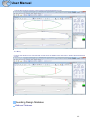
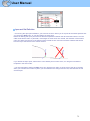
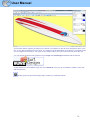
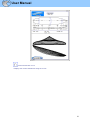
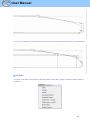
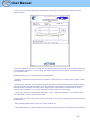
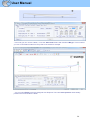
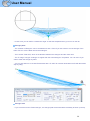
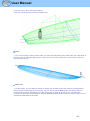
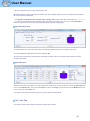
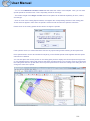
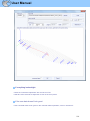
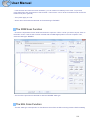
You can also place the mouse pointer on the cutting path points to display the current speed and right-click
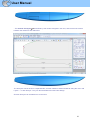
on it to enlighten all the cutting path sections that have the same speed. You can also move the cutter along
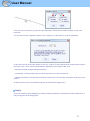
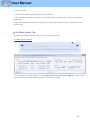
the cutting lines with the up and down arrow keys and press Enter to show the Cutting Point dialog box and
change the value of the speed.
110