1
45/Point of Sales
45.1/ Point of Sales
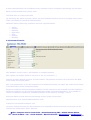
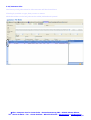
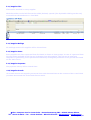
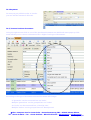
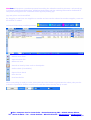
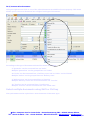
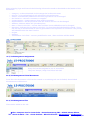
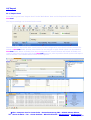
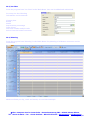
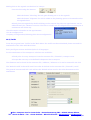
From the program item ‘Point of Sales’ in the ‘Main Menu’ the POS module can be started, to get this
working a few settings are needed:
¾
¾
¾
¾
Shop(s)
Cash point(s)
POS System(s)
Cashier(s)
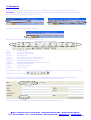
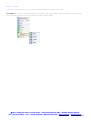
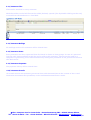
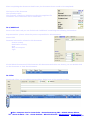
These configurations can be found in the System Menu.
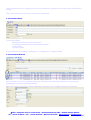
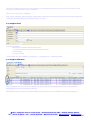
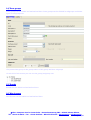
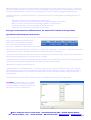
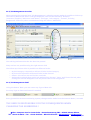
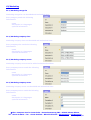
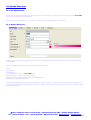
Each Shop has an address and warehouse, One or more Cash points can be defined within each Shop.
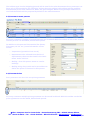
Every Cash point needs to be linked to a PC with all possible options like ticket printer, customers
display, barcode reader, touch screen etc.
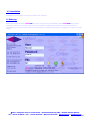
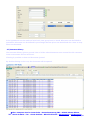
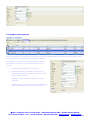
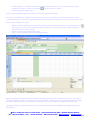
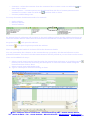
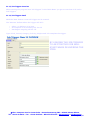
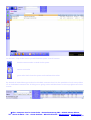
The POS module can be started from the login screen.
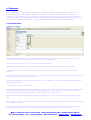
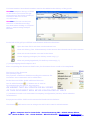
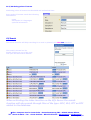
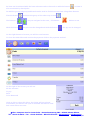
All the forms and buttons on the screen where created in a way that both keyboard/mouse or touch
screen can be used.
© Micro Computer Service Center bvba – Brusselsesteenweg 386 – B-3020 Veltem-Beisem
Tel. +32 16 49 99 10 - Fax. +32 16 48 05 94 – BE-0433.372.145 - www.mcsc.be - info@mcsc.be
Page 79/88