1
GeniSPOT Screen Calibration Kit
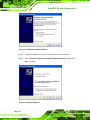
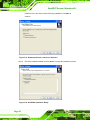
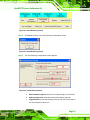
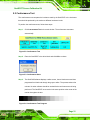
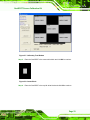
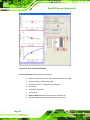
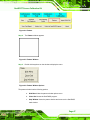
Figure 3-13: Choose Installation Directory
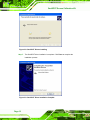
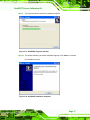
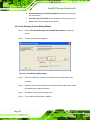
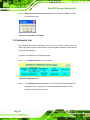
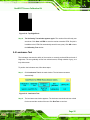
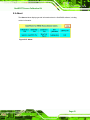
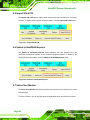
Step 6: Choose the name of the Start Menu folder for the GeniPASS software (default
recommended). Click NEXT to continue.
Figure 3-14: Start Menu Folder
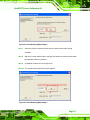
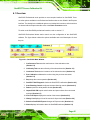
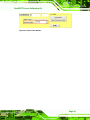
Step 7: Select “Create a desktop icon” to automatically create an icon on the desktop
during installation. Select “Create a Quick Launch icon” to automatically
Page 15