1
AXIS Camera Station Administration
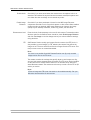
Camera Sequence
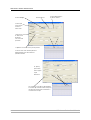
Camera Sequences
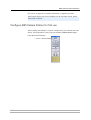
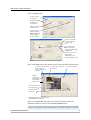
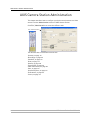
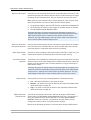
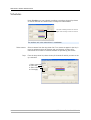
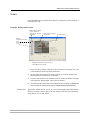
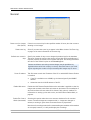
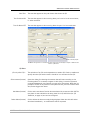
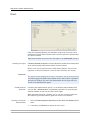
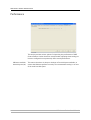
Add Camera button
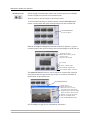
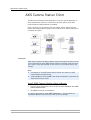
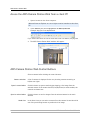
A camera sequence is a pre-defined "camera tour" i.e. a configuration that
automatically switches through all of the cameras included in the tour. The
switching interval can be set at up to 240 seconds for each camera. Once a
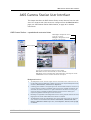
camera sequence has been added, the operator simply selects it from the main
window, from the View menu. A new window will pop up and display the
cameras, described in Camera Sequence, on page 13.
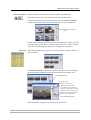
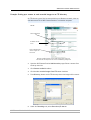
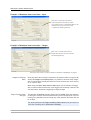
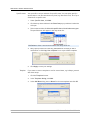
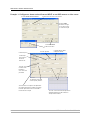
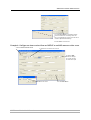
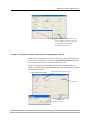
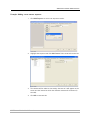
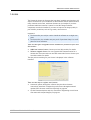
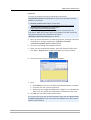
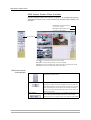
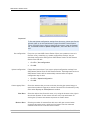
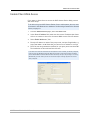
To add a camera to the camera sequence, click the Add Camera button and
select a camera. See page 53.
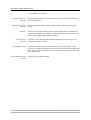
Remove Camera
button
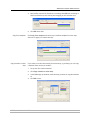
To remove a camera from the sequence, click this button and select the camera
to remove.
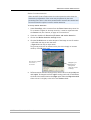
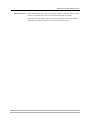
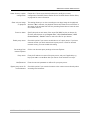
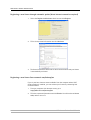
Add Sequence button
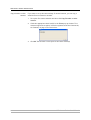
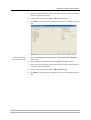
To add a new sequence, press the button and enter a name for it. See page 53.
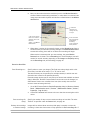
Remove Sequence
To remove a sequence, press the button and select the sequence to delete.
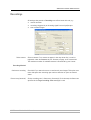
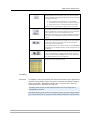
Sequence text
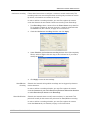
This could be e.g. descriptive text about the camera sequence. This text is
displayed immediately after the sequence's name, in the pop-up window
showing the sequence. See page 53.
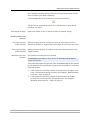
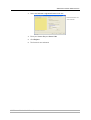
Time between camera
switches
The value set here determines the number of seconds the view from each
camera is displayed.
52
AXIS Camera Station User’s Manual