1
Section - Getting started
9.3.2. Service calibration
We have to do 3 calibrations
1. Find the blank value
2. Find the 50 ppB value
3. Find the 500 ppB value
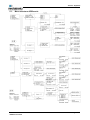
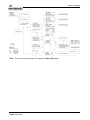
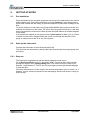
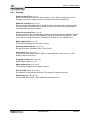
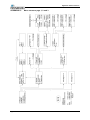
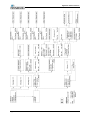
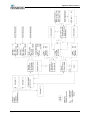
To perform this calibration we select the [Service cal]. Menu (3-2)
Use the <ESC> key to return to the Main menu.
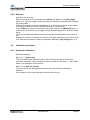
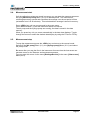
Select [New cal] Menu (3-2-1). Select which one of the value you want to calibrate,
Start logging , and observe the raw data in Progress or see in New value your new
Tcc value. If you values of the Tcc are in your acceptation press 2 in Menu (3-2-11/2/3) to accept the new value. There is an option in this menu to put a manual value
in for that calibration range.
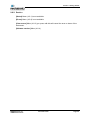
After all calibrations are done, press <ESC> and select Save new calibration. Now
the instrument is ready for use with the new set of calibration values.
Be aware as soon you out of the menu 14 structure the calibration is stopped. If this
happened you have to restart the calibration for one of the values.
9.3.3. Calibration of blank value
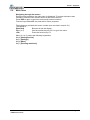
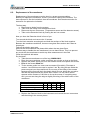
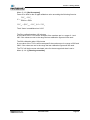
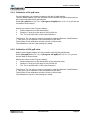
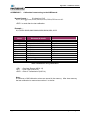
Select [0 ppB] Menu (3-2-1-1). In [Progress 0 ppB] Menu (3-2-1-1-1) you see the
raw data for that moment.
Monitor the values in the Progress display;
•
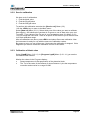
Detect temperature is the temperature of the detection block.
•
The Tcc is the value of the Detector 2 minus Detector 1 plus the temperature
correction and must be in a range 60-200.
MRN-053 Issue 9.1
AiRRmonia manual
December 2010
Page 35