1
Chapter 15. Searches
1. Search window
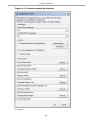
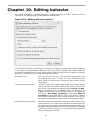
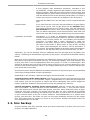
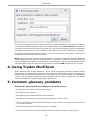
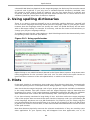
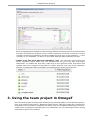
Figure 15.1. Text search Window
Note
The above search finds all target segments that contain characters, rather improbable
in the target - i.e. Slovenian - language.
1.1. Searching
OmegaT provides a powerful range of search functions. Open the Search window with Ctrl+F
and enter the word or phrase you wish to search for in the Search for box. Alternatively, in the
Editor window, select a word or phrase in the editing field (target text of the current segment)
and hit Ctrl+F. The word or phrase is entered in the Search for box automatically. You can
have several Search windows open at the same time, but close them when they are no longer
needed so that they do not clutter your desktop.
1.2. Search location
Searches are performed by default in both the source and target sections of the project, but
you can limit your search to just the source or the target text. You may search in
67