1
361-11264 CMPCT Manual (Eng) 8/8/02 3:46 PM Page 90
Cleaning the meter and optics
If the outside of your meter or the display are dirty, wipe
them off with a slightly dampened cloth. If blood has
entered the test strip guide or if the message “OFF” is
displayed, clean the meter as follows:
Do not use cleaning agents that contain acetic
acid (vinegar) or scouring agents because they can
damage the display and the measurement optics.
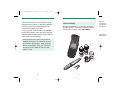
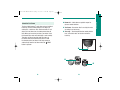
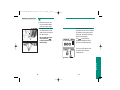
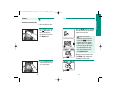
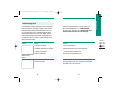
To clean your meter:
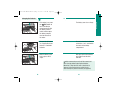
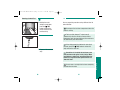
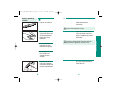
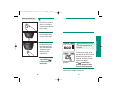
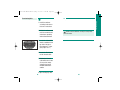
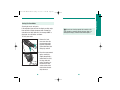
1. Remove the front
nose cover from the
measurement optics
by gently squeezing
it from both sides and
lifting it up and off.
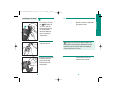
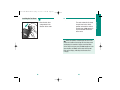
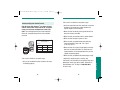
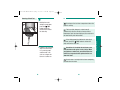
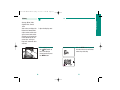
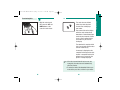
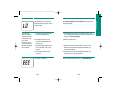
2. Clean the measurement
optics carefully by
slightly dampening a
cotton swab or a soft,
lint-free cloth with
water. The optics are
located in the front
center section of the
meter where the test
strip advances.
88
89
Other Information
Caring For Your Meter