1
7700 Multi-Frame Manual
7700R2X2 Series HD/SD Routers
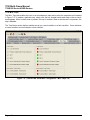
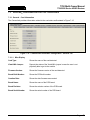
7.2.3.1. Switch Settings
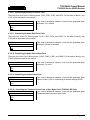
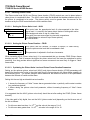
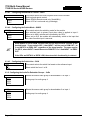
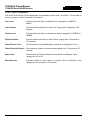
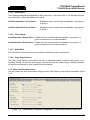
Switch Line:
Sets switch line number. The range is between 1 and 64.
Switch Control:
This control enables the user to set the switch control to local, remotely, or both
locally and remotely.
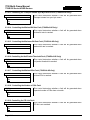
Switch Mode:
This control enables the user to set the switch mode to manual or automatic.
Selecting “Auto Back” will revert to main if the fault is no longer present. Selecting
“Auto” will stay on backup even if main no longer has a fault.
Primary Output:
This control enables the user to set the output to Input 1 or Input 2.
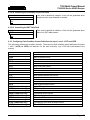
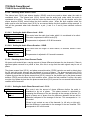
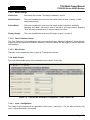
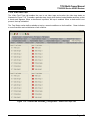
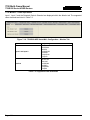
7.2.3.2. Fault Collection Control
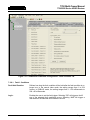
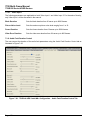
The Fault Collection Control enables the user to set the fault trigger. Selecting “Individual” will set the fault
trigger to use the regular fault condition. Selecting “Collective” will set the fault trigger to use the collection
fault condition.
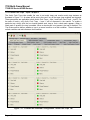
7.2.3.3. Misc Control
The Misc Control enables the user to reset all TS states and counters.
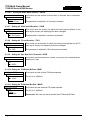
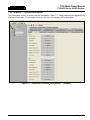
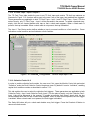
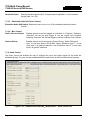
7.2.4. Audio Control
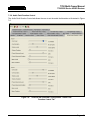
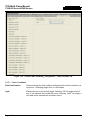
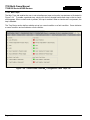
The audio de-embedder group can be selected from the Audio Control tab.
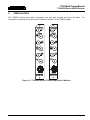
Figure 7-4: 7700R2x2-HD VistaLINK® Configuration - Audio Control Tab
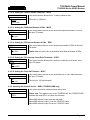
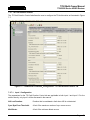
7.2.4.1. Input 1 Configuration
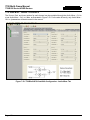
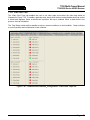
The Audio Control parameters are applicable to both Input 1 and Input 2. For the sake of brevity, only
Input 1 will be discussed in the manual.
Revision 1.6
Page - 39