1
KR117_115_r_e.book 139 ページ 2006年2月27日 月曜日 午前11時55分
Chapter 8 Creating and Editing Songs
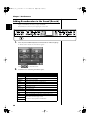
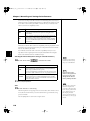
■ Recording a Performance
❍ Prepare for New Song Recording
❍ Start Recording
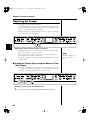
Selecting the Song to Record
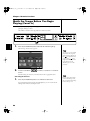
Selecting the Part to Record
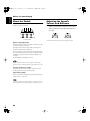
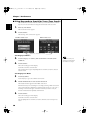
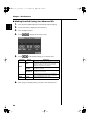
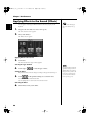
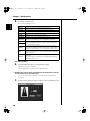
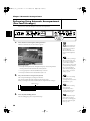
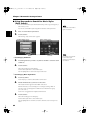
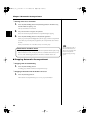
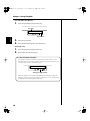
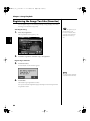
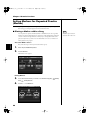
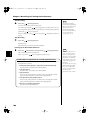
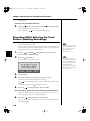
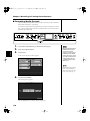
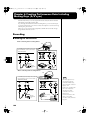
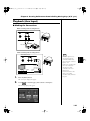
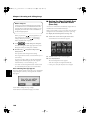
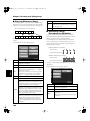
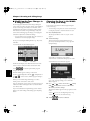
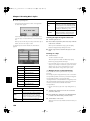
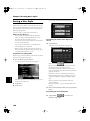
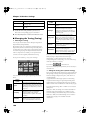
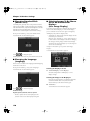
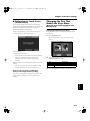
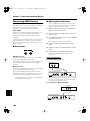
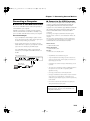
1. Hold down the [Song] button and press the [
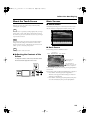
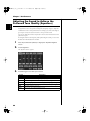
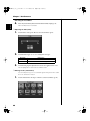
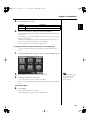
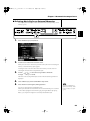
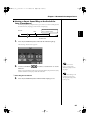
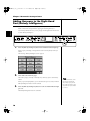
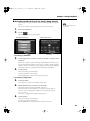
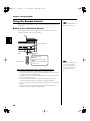
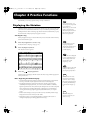
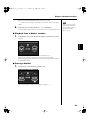
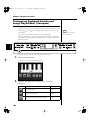
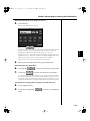
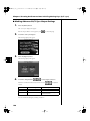
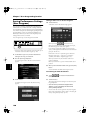
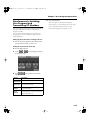
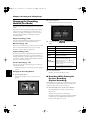
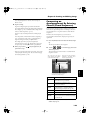
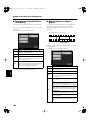
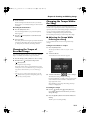
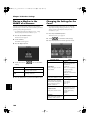
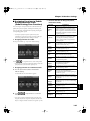
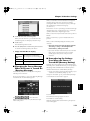
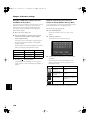
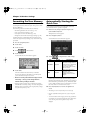
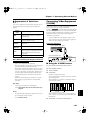
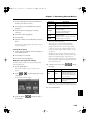
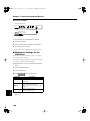
1. Display the 16-track Sequencer screen (p. 136).
2. Touch the number for the Part you want to record.
The button for the touched part being set turns orange.
You can only record drum sounds or effect sounds on
Part D (10) or Part S (11). You can select drum sets or
effect sounds by selecting Part D (10) or Part S (11) and
touching <Drum Set>.
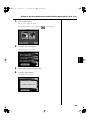
(Rec)]
button.
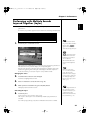
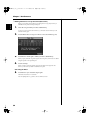
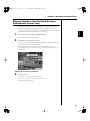
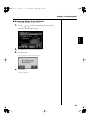
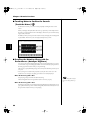
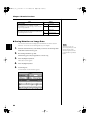
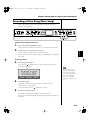
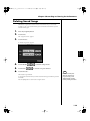
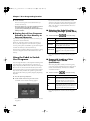
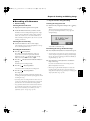
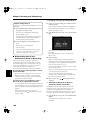
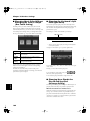
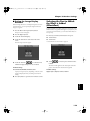
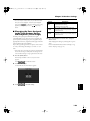
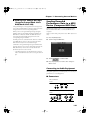
The following screen is displayed if there is any
previously recorded performance or any song with
changed settings.
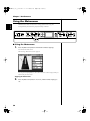
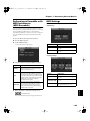
fig.m-songmod.eps
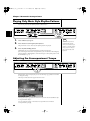
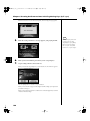
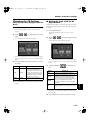
Selecting the Sound to Play
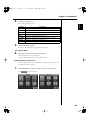
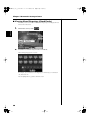
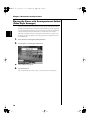
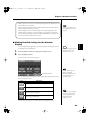
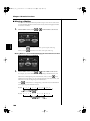
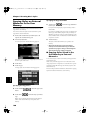
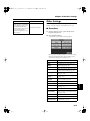
3. Use the Tone buttons to choose a Tone to play.
After selecting a Tone, press the [Exit] button to call up
the “16-Track Sequencer screen.”
Touch <OK> to delete the song.
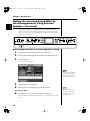
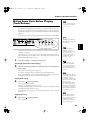
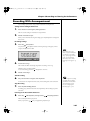
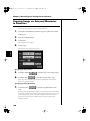
Recording the Performance
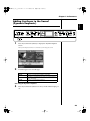
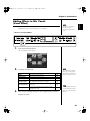
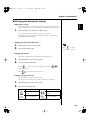
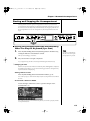
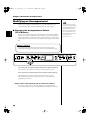
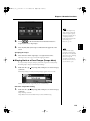
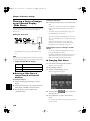
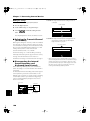
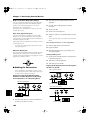
Determining the Song’s Beat and Tempo
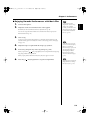
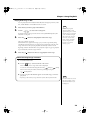
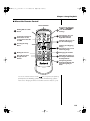
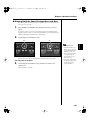
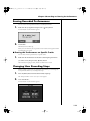
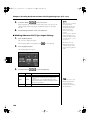
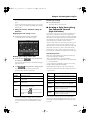
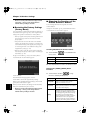
4. Press the [
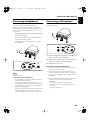
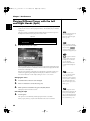
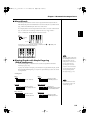
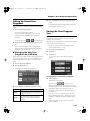
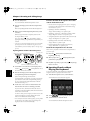
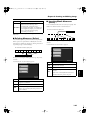
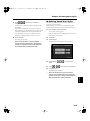
2. Press the [Metronome] button to select the beat (p. 54).
(Reset)] button.
Recording will start at the beginning of the song.
If you want to record from a point other than the
beginning, use the [
(Bwd)] and [
(Fwd)]
buttons to select another measure to begin.
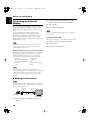
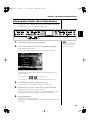
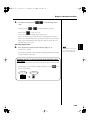
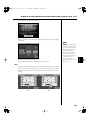
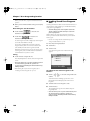
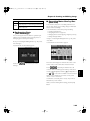
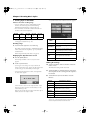
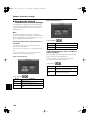
5. Press the [
(Rec)] button and watch the indicator is
→ You can’t change a song’s beat once it’s been recorded. If you
want to compose a song whose beat changes partway through
the song, take a look at “Changing the Beat in the Middle of a
Song (Beat Map)” (p. 150).
3. Press the Tempo [-] and [+] buttons to set the basic
light up.
tempo of the song.
The KR is put in recording standby.
If you do not need the metronome sound, press the
[Metronome] button once more.
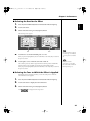
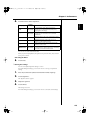
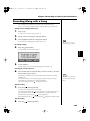
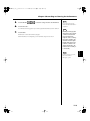
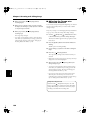
6. Press the [
(Play/Stop)] button.
A two-bar count-in sounds, then recording starts.
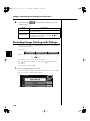
(Play/Stop)] button.
Recording stops.
When one part is recorded, continue by selecting and
recording another part. Continue layering parts to finish
recording the song.
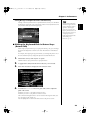
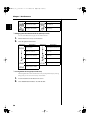
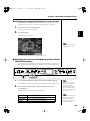
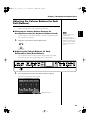
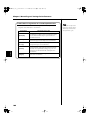
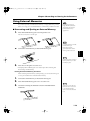
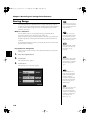
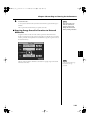
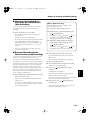
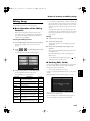
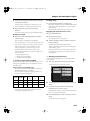
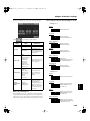
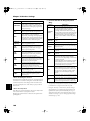
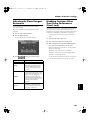
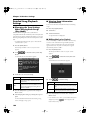
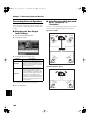
→ If necessary, choose a recording method. For more on how to
record, refer to the following paragraph. If you record for the
first time, there’s no need to select the recording method.
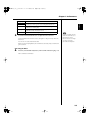
* Any performance that has been recorded is deleted when the
power to the KR is turned off. It is a good idea to save song
data to an external memory or user memory. For more
information, refer to “Saving Songs” (p. 116).
139
Chapter 8
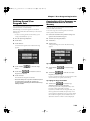
7. Press the [
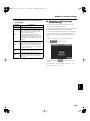
→ When using song data that has already been recorded, the
recording is made using the source song’s basic tempo. To
change the basic tempo of a song, please refer to “Changing the
Tempo of Recorded Songs” (p. 151).