1
User Guide
SOUND COVER INSTALLATION
CustomAir®by RAMVAC®
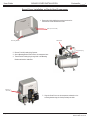
Sound Cover Installation on Single Head Compressor
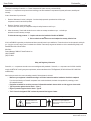
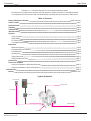
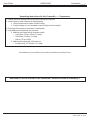
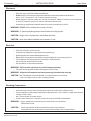
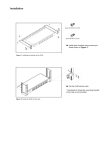
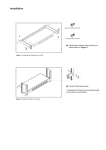
1. Remove the 4 bolts holding the mounting bracket to the
Sound Cover and set bolts aside to reuse.
Bolts (2 on each side)
Mounting Bracket
Intake Filter
Fresh Air Piping
2. Remove Fresh Air Intake piping if present.
3. Secure Mounting Bracket with 4 bolts to the compressor base.
4. Thread Fresh Air Intake piping through hole in the Mounting
Bracket and attach to intake filter.
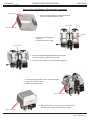
Bolts (2 on
each side)
5. Align the Sound Cover over the compressor and attach to the
mounting bracket using the 4 bolts previously set aside.
Page 12
SOF_7.5.1-07-04
Effective date: 02-Jul-08