1
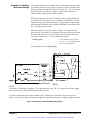
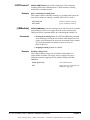
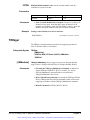
Example: Form C
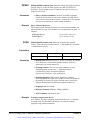
Switch Channel
Lists/Ranges
Channel Lists:
CLOS (@100,112)
Close channels 00 and 12 on card
01
OPEN (@203,210)
Open channels 03 and 10 on card
02
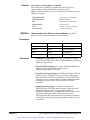
Channel Ranges:
OPEN (@100:115)
Open all channels on card 01
SCAN (@100:115)
Scan all channels on card 01
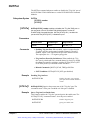
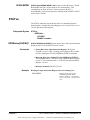
Initial Operation
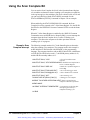
An example program follows which uses Hewlett-Packard BASIC and the
SCPI language to get you started using the Form C Switch. The example
assumes an HP 9000 Series 200/300 (or equivalent) computer and a
Hewlett-Packard Interface Bus (HP-IB). (HP-IB is the Hewlett-Packard
implementation of the IEEE 488.2-1987 standard.)
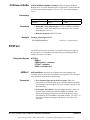
This program closes channel 02 of a Form C Switch at logical address 120
(secondary address = 120/8 = 15) and queries the channel closure state. The
result is returned to the computer and displayed (1 = channel closed, 0 =
channel open). See the HP 75000 Series B Installation and Getting Started
Guide for information on addressing.
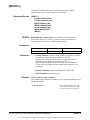
Example: Close Form C Switch Channel
10 OUTPUT 70915;"CLOS (@102)"
! Close channel 02
20 OUTPUT 7091 5;"CLOS? (@102)"
! Query channel 02 state
30 ENTER 70915;Value
! Enter result into Value
40 PRINT Value
! Display result
50 END
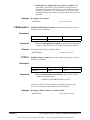
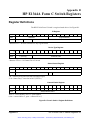
Chapter 1
Getting Started with the HP E1364A 15
Artisan Technology Group - Quality Instrumentation ... Guaranteed | (888) 88-SOURCE | www.artisantg.com