1
Anaheim Scientific
S665 Users Manual
take the Flash disk out. Insert the Flash disk into the computer to view the
measured results.
When the system asks to have the Flash disk inserted and data is not ready to be
transferred, press the “
” key to exit to the main menu.
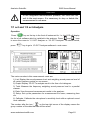
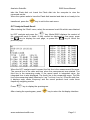
OCT Analysis Result Recall
After entering the “Data” menu, select the measured result file which was obtained
by OCT analysis and press the “
” key. Model S665 displays the content of
the measured result in detail. If they cannot be displayed in one page, press
the“
” key to display the next page, or press the “
” key to return the
previous page.
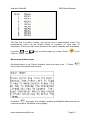
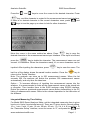
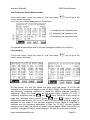
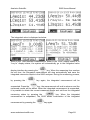
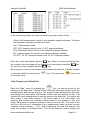
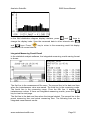
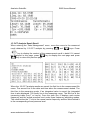
When the OCT analysis result is saved, the first line is the measurement file name.
The second line is the date and time when the measurement was started. The
third line is the measuring mode. If the saved result is integrated value, the
integrated time is also displayed. The fourth line is the measuring range. The fifth
line is the measuring index (MaxLeq1s, Leq.T or Linst, Leq.1s). From the sixth line,
it displays each center frequency and the sound pressure level under three
frequency weighting modes.
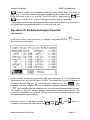
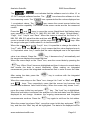
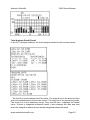
Press “
” key to display the spectrogram.
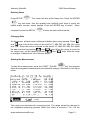
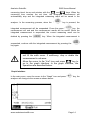
After viewing the spectrogram, press “
www.anaheimscientific.com
” key to return the list display interface.
Page 31