1
User manual for totalizing counter PAC-94IA
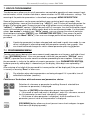
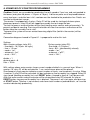
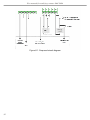
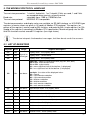
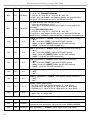
5. FRONT PANEL DESCRIPTION
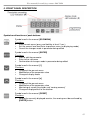
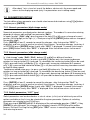
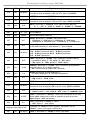
Symbols and functions of push-buttons:
Symbol used in the manual: [ESC/MENU]
Functions:
•
Enter to main menu (press and hold by at least 2 sec.)
•
Exit the current level and Enter to previous menu (or displaying mode)
•
Cancel the changes made in parameter being edited
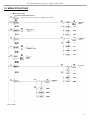
Symbol used in the manual: [ENTER]
Functions:
•
Start to edit the parameter
•
Enter to the sub-menu
•
Confirmation of changes made in parameter being edited
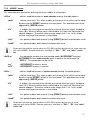
Symbol used in the manual: [^]
Functions:
•
Change of the present menu
•
Modification of the parameter value
•
Change of display mode
Symbol used in the manual: [v]
Functions:
•
Change of the present menu
•
Modification of the parameter value
•
Monitoring of current thresholds and “zeroing memory”
•
Change of displayed half of the totalizer
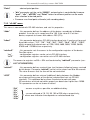
Symbol used in the manual: [RESET]
Functions:
•
zeroing the currently displayed counter, the zeroing must be confirmed by
[ENTER] button.
15