1
User Manual Dreambox DM 800 HD PVR
Important notes about operation
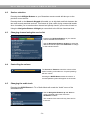
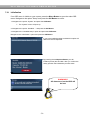
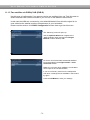
All functions of the Dreambox can be controlled via OSD-Menu (On-Screen-Display). This
makes the handling of the Dreambox very easy for you. All options are indicated by four
colored dots or beams (red, green, yellow, blue) in the OSD-Menu and can be started with
the Option-Buttons on the Remote Control.
Depending on the chosen Menu, these options do vary.
The Options-Buttons of your remote control have multiple functions. You will notice control
symbols below the four colored Options-Buttons, the TV- and the RADIO-Button. In PVRMode these buttons are used to control the digital recording according to their symbols.
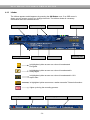
Pressing the VIDEO-Button on your remote control will activate the PVR-Mode. The Infobar
will also indicate this. It changes from showing the channel information to showing the control
symbols for the PVR-Mode. (also see 7.3.1. Instant recording)
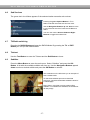
All Menus and Service
lists are closed with
the EXIT-Button.
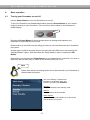
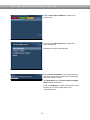
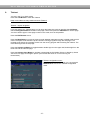
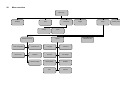
In general the menus are
controlled using the
Navigation-Buttons on
your remote control.
Navigation-Buttons
- 14 -
To get into a submenu
you have to press the
OK-Button.