1
4 – USB-OC Installation
4.1 USB-OC optical to
USB converter driver
Installation
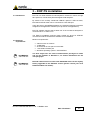
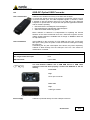
USB-OC optical to USB converter requires a driver program to be installed
in your system. EHP-TS software create a folder including all files
requested for the driver installation. Before running EHP-TS, please
connect the USB-OC converter to a USB port of your PC.
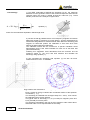
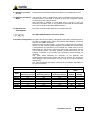
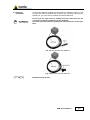
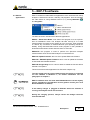
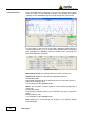
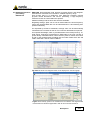
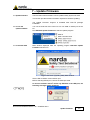
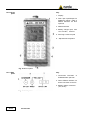
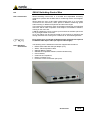
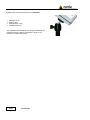
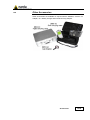
Fig.4-1 USB-OC Converter
The following provides, as an example, USB converter installation
instructions for Windows XP O.S. The procedure to select location of
the driver directory will be different in case of different operating
systems
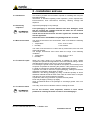
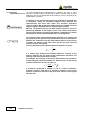
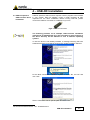
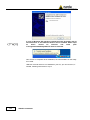
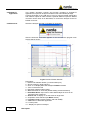
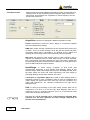
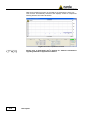
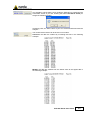
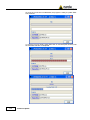
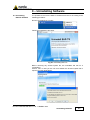
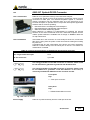
In case the driver is not already installed, a message informing that new
hardware has been found will be shown and a guided installation will start:
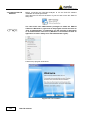
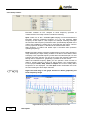
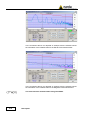
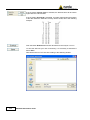
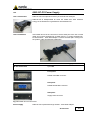
Do not allow connection to Windows Update but select “No, not now” and
click “next”
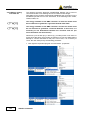
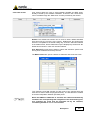
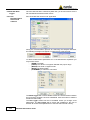
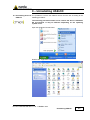
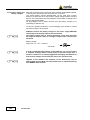
1
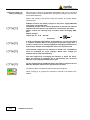
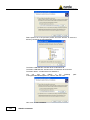
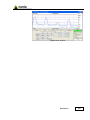
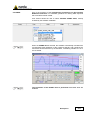
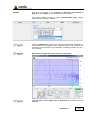
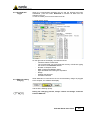
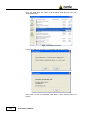
Select “Install from a list or specific path” and click “next”
Document EHP50CEN-30514-1.52 - © NARDA 2013
USB-OC Installation
4-1