1
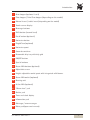
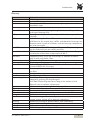
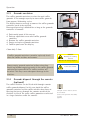
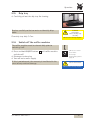
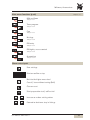
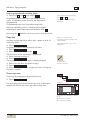
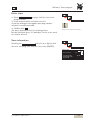
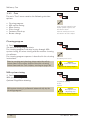
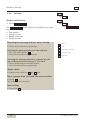
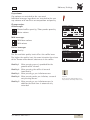
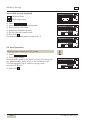
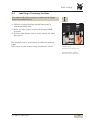
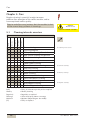
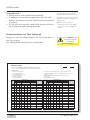
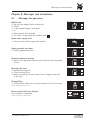
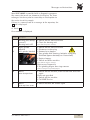
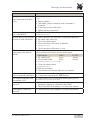
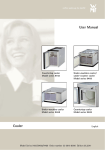
Operation 2.13 Grounds container The coffee grounds container receives the used coffee grounds. It has enough capacity to store coffee grounds from approx. 50 brewing cycles. The display shows a message as soon as the coffee grounds container needs to be emptied. Beverage dispensing is blocked for as long as the grounds container is removed. Adjustable screen Push combi spout all the way up Push up adjustable screen over coffee grounds container Remove the coffee grounds container Empty and replace grounds container Confirm process on the display Clean daily w Care If coffee grounds container cannot be replaced, check chute for coffee residues and remove. Grounds container Caution. Bruising or crushing hazard. Observe the Safety chapter. Always empty grounds container before reinserting. Replacing without emptying results in the coffee grounds container being overfilled. The coffee machine will be soiled. This may cause subsequent damage to the machine. Follow the manual. Observe the Safety chapter. 2.14 Grounds disposal through the counter (optional) The coffee machine can be fitted with through-counter coffee grounds disposal. In this case, both the coffee grounds container and the coffee machine base have an opening that passes through the counter on which the machine is placed. The spent coffee grounds are collected in a large container under the counter. 16 Through-counter feature cannot be retrofitted. Clean coffee grounds chute daily w Care page 42 User Manual WMF 2000 S