1
Scanning receivable stations (SCAN)
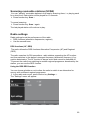
You can "sample" receivable stations in the area by scanning them, i.e. playing each
for a short time. Each station will be played for 10 seconds.
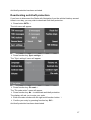
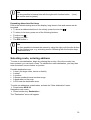
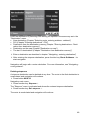
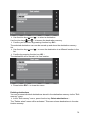
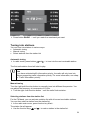
" Press function key Scan 3.
To cancel scanning
" Press function key Scan 3 again.
The last played station will continue to play.
Radio settings
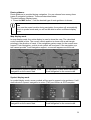
Radio settings boost the performance of the radio:
! RDS functions (alternative frequencies, regional)
! Use the second tuner
RDS functions (AF, REG)
The radio utilizes the RDS functions Alternative Frequencies (AF) and Regional
(REG).
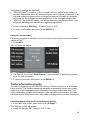
The radio searches for FM transmitters - radio stations supporting the AF function and then switches to the station's strongest frequency (alternative frequency) if reception deteriorates. The AF function is always active and cannot be switched off.
To prevent the radio from switching to another regional programme broadcast by the
station, you can use the REG function.
Using the RDS REG function
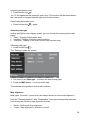
You can choose whether or not to allow the radio to switch to an alternative frequency with a different regional programme.
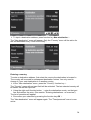
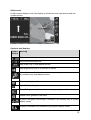
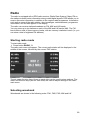
" In the radio main menu, press function key Settings 3.
The "Settings" menu will appear.
83