1
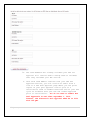
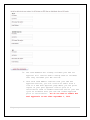
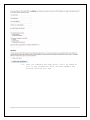
2. The reviewer will receive an emailed invitation. In the
email, there will be a link for them to accept your
invitation and a link for them to decline your invitation.
Either way, you receive an email notifying you of their
decision. If they click accept, they will be added to your
team. If they decline, you’ll want to invite a different
team member. Repeat this process until you have three
trained review team members in the correct categories for
your level and category
I Don’t Know the Reviewer’s Six Digit DPI License File Number
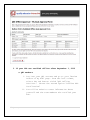
1. If you don’t know their number, click the “Search for
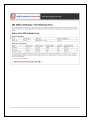
team members” link on your My Folder page.
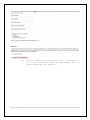
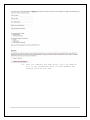
2. You can quickly locate PDP review team members who are on
the QEI. From your My Folder page, click the link
“Search for team members.” On the next page you will be
able to limit your search by which category of review
team member you are looking for:
11 | P a g e