1
Finding a specific programme
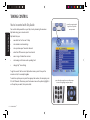
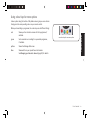
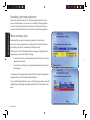
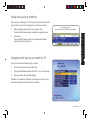
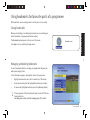
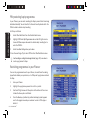
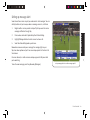
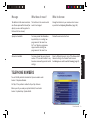
If it’s a certain programme you’re looking for, press the yellow key (A-Z) from
the TV Guide menu, then choose the type of programme you’re in the mood
for.
SEEING WHAT’S ON
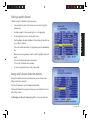
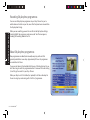
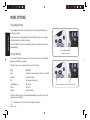
A-Z screens list programmes in alphabetical order.
•
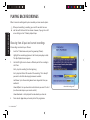
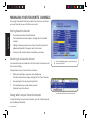
To find the programme you want, jump to the first letter of the title
by using the letters on the number keys; as you would write a text
message on your mobile phone, press the key once for the first letter
shown, twice for the second letter and so on.
•
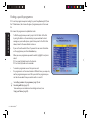
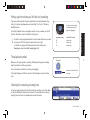
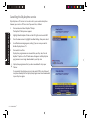
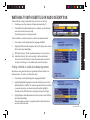
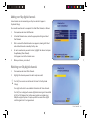
If you can’t see the whole title or if you want to see more information
on the programme, press the information key.
•
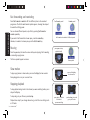
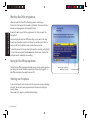
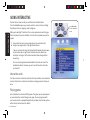
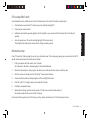
When you see a programme you want to watch, highlight it and press
select.
If it’s on now, Sky Guide tunes to the channel.
If it’s on later, Sky Guide sets a reminder.
•
•
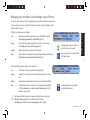
To record a programme now or later, press record.
If a programme is on the same channel at different times, you may only
see the programme appear once. After you select the programme you
can then choose what time you want to watch or record it.
See Setting reminders for programmes (page 19) and
Recording with Sky+ (page 23).
To see where your reminders and recordings are stored, see
Using your Planner (page 20).
16
USING YOUR SKY+