1
Chapter 1 Introduction
The EZDVD2 Pro DVD Duplicator is a standalone. This model is designed for copying DVD in
video, audio or data form.
With the EZDVD2 Pro Duplicator, copying will become easy and efficient. Professional
mechanism design, multifunctional LCD and 4 simple buttons on the panel all make the four
models easy to operate. For any end-user they are really cost-effective products.
1.1 Features
•
•
•
•
•
•
•
•
Standalone DVD Duplicator
Power-on self test.
Support Hard Disk Drive (Optional).
Automatic format detection.
User-friendly interface with LCD messages.
Fast copying on high-speed DVD writers
Easy operation without installing software and extra training.
Firmware update through DVD-ROM.
Chapter 2 Basic Instructions
2.1 Buttons and LCD
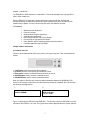
There are four buttons and an LCD on the panel of the copy smart plus. They are described as
follows.
1. LCD Display: shows all functions and messages.
2. Up Arrow: used to scroll up through functions or menus.
3. Down Arrow: used to scroll down through functions or menus.
4. ENTER Button: used to execute a selected function.
5. ESCAPE Button: used to cancel a selected function.
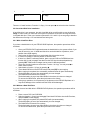
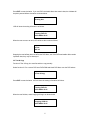
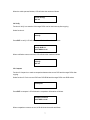
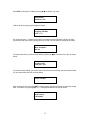
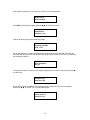
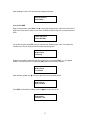
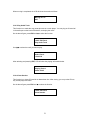
After you power on and the copy smart plus detects installed hardware like DVDROM, DVD
writers, it will execute a self-test for seconds. When the self-test is completed, the LCD will show
the following messages below.
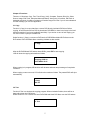
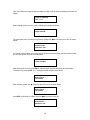
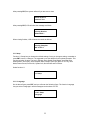
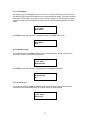
1.
Initialize SDRAM
2.
DVD Duplicator
1-3 ver: 2.03K
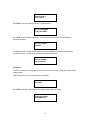
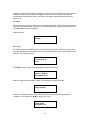
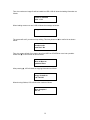
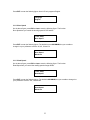
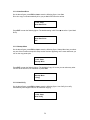
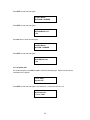
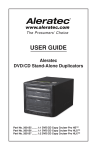
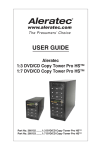
Figure 1 represents the EZDVD2-3 and EZDVD2-7. The firmware version for EZDVD2-3 is 2.03S
and that for the EZDVD2-7 is 2.032. The figures below will be displayed after the system self-test.
3