1
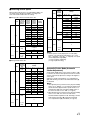
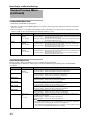
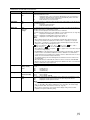
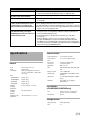
* Default values are indicated in bold characters.
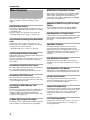
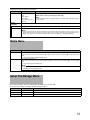
Item
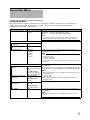
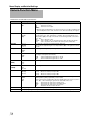
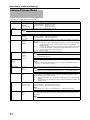
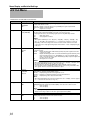
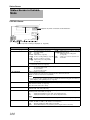
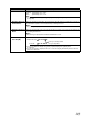
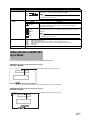
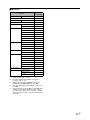
Time Zone
Setting Values
Function
UTC-00:30 to UTC-12:00,
UTC,
UTC+14:00 to
UTC+00:30
(In increments of 30
minutes)
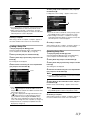
For setting the UTC time difference in units of 30 minutes.
[Default values: UTC-05:00 (U model), UTC (E model)]
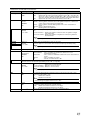
Memo :
● If [Date/Time] is already set, the [Date/Time] item is automatically adjusted when [Time
Zone] is altered.
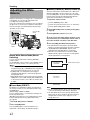
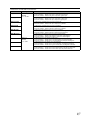
System
Information
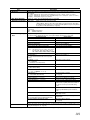
Version
Displays information on the firmware version.
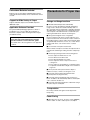
Fan Hour
For displaying the usage time of the internal fan.
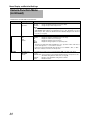
Memo :
● Under normal environment, dust will accumulate on the internal fan when the camera recorder is used over a long
period. Dust may enter the camera recorder especially if it is used outdoors. This may affect the image and sound
quality of the camera recorder. Check and replace the fan after every 9000 hours (suggested guideline).
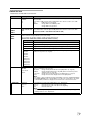
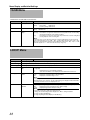
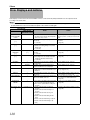
Media Menu
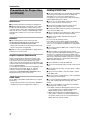
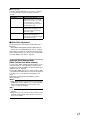
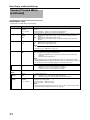
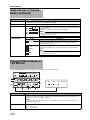
Item
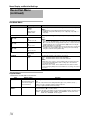
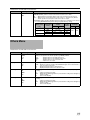
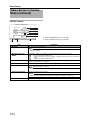
Format Media
Restore Media
Function
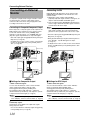
For formatting (initializing) an SDHC card.
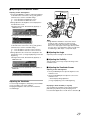
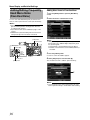
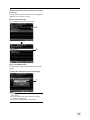
Select a card slot (A or B), select [Format] from [Cancel]/[Format], and press the Set button (R) to format (initialize) the
card.
( A Page 33 [Formatting (Initializing) SDHC Cards])
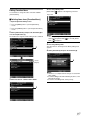
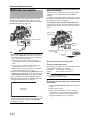
For restoring an SDHC card.
Select a card slot (A or B), select [Restore] from [Cancel]/[Restore], and press the Set button (R) to restore the SDHC
card.
( A Page 34 [Restoring the SDHC Card])
Memo :
● This item appears only when the SDHC card needs to be restored. However, it is not selectable when recording in
Camera mode and during Clip Review.
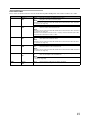
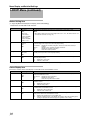
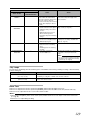
Setup File Manage Menu
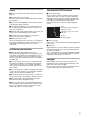
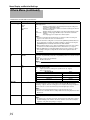
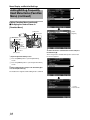
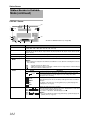
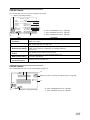
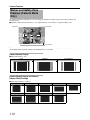
Menu settings and button operations ([SHUTTER], [AE LEVEL], etc.) can be saved.
It is useful to save settings according to different shooting conditions.
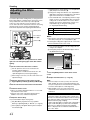
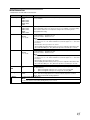
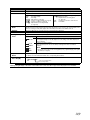
Item
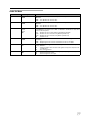
Load File...
Store File...
Reset File...
Setting Values
Function
^
Loads the settings. (A Page 119)
^
Saves the settings. (A Page 118)
^
Restores the saved settings to their default values. (A Page 119)
95