1
Chapter 2 Getting Started
2.5.2 Via Bluetooth (for mini ScanEYE BT)
Please follow the instructions to pair your computer and pen scanner with Bluetooth at
first time use.
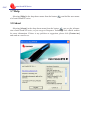
1. Press the function button on pen scanner until the status light blinks. When the status
light blinks, you can begin to pair the computer with pen scanner.
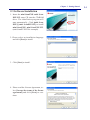
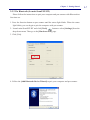
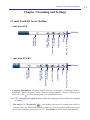
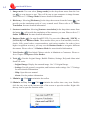
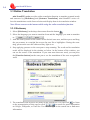
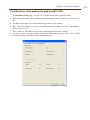
2. Launch mini ScanEYE BT and click [Tools] button to select [Settings] from the
drop-down menu. Then go to the [Hardware info] page.
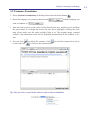
3. Click [Pair].
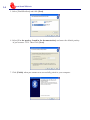
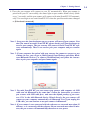
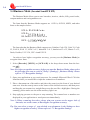
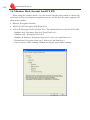
4. Follow the [Add Bluetooth Device Wizard] to pair your computer and pen scanner.
2-7