1
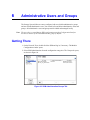
Getting Started
Management Groups Tab
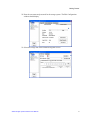
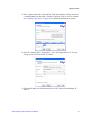
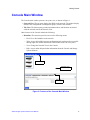
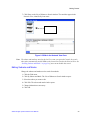
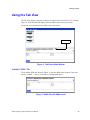
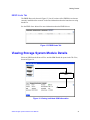
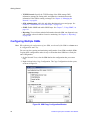
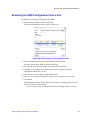
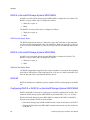
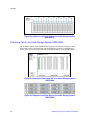
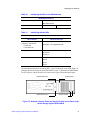
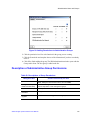
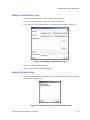
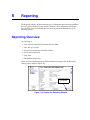
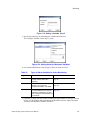
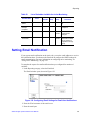
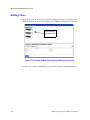
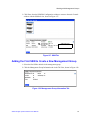
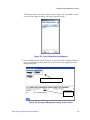
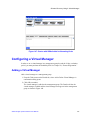
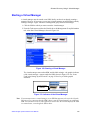
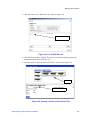
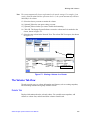
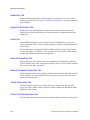
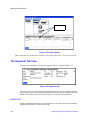
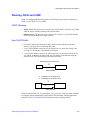
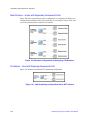
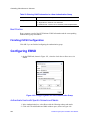
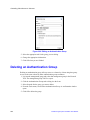
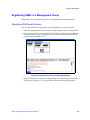
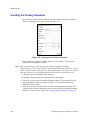
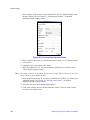
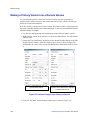
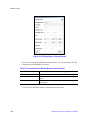
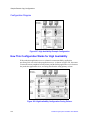
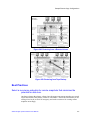
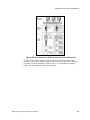
The Management Groups tab, shown in Figure 13, lists all the management groups
currently created with the SSMs that are displayed in the Network View pane.
For information on management groups, see “Working with Management Groups” on
page 167.
Figure 13. Management Groups Tab from Network Tab View
Alert Messages Tab
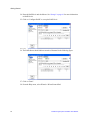
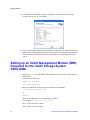
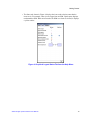
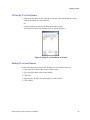
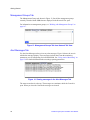
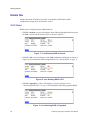
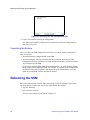
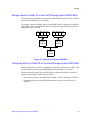
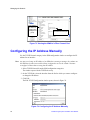
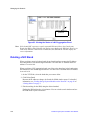
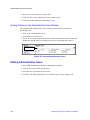
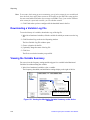
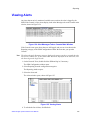
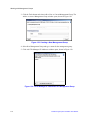
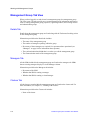
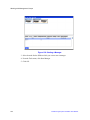
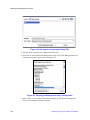
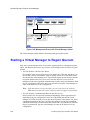
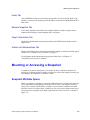
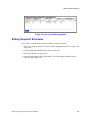
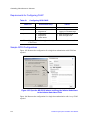
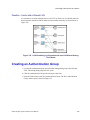
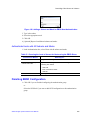
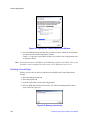
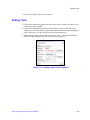
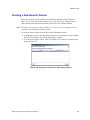
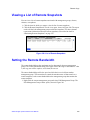
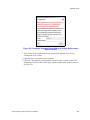
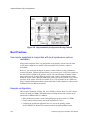
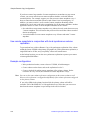
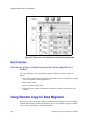
Use the Alert Messages tab to review any alert messages. Figure 14 shows the area in
which alert messages display. These messages include alerts from the monitoring
parameters you set in Reporting for individual SSMs. See “Using Active Monitoring” on
page 154 for detailed information about setting reporting parameters.
Figure 14. Viewing messages in the Alert Messages Tab
The most recent alert is at the top. The messages are continuous while the Console is
open. When you close the Console the messages are cleared.
30
Intel® Storage System Software User Manual