1
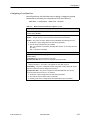
Configuration
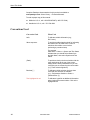
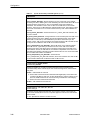
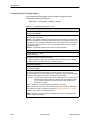
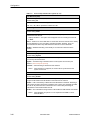
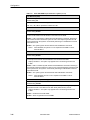
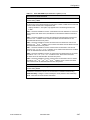
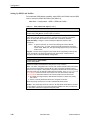
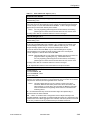
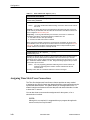
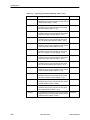
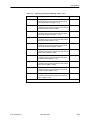
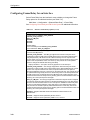
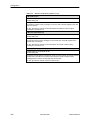
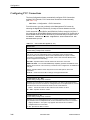
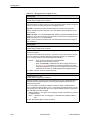
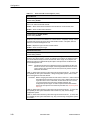
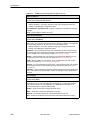
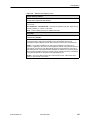
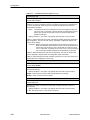
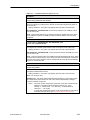
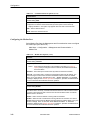
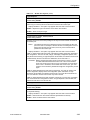
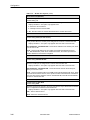
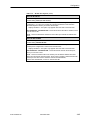
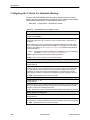
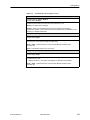
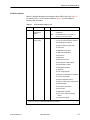
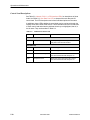
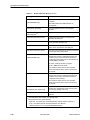
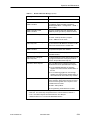
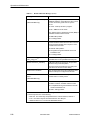
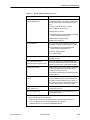
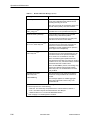
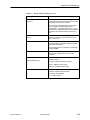
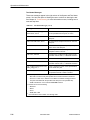
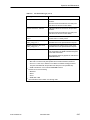
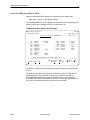
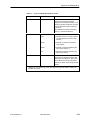
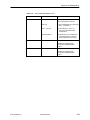
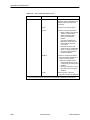
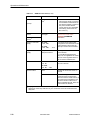
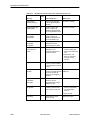
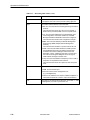
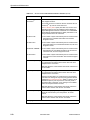
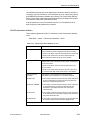
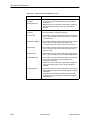
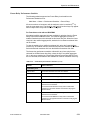
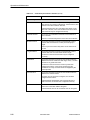
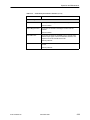
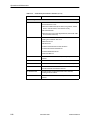
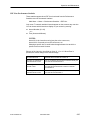
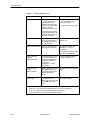
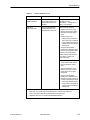
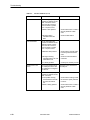
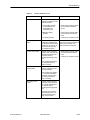
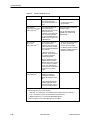
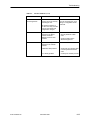
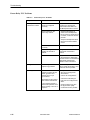
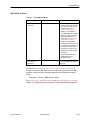
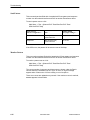
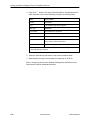
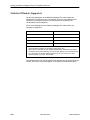
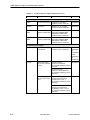
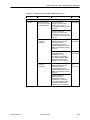
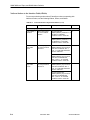
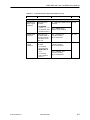
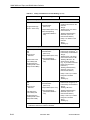
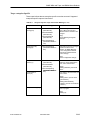
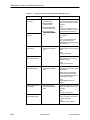
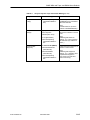
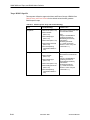
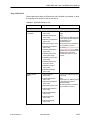
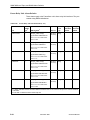
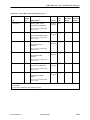
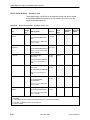
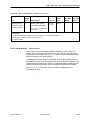
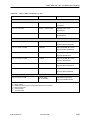
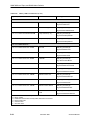
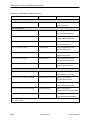
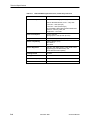
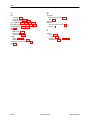
Table 3-3. General System Options (3 of 3)
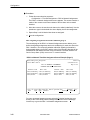
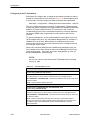
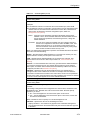
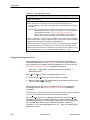
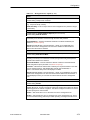
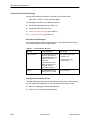
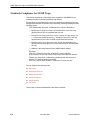
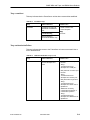
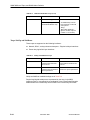
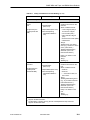
System Alarm Relay
Possible Settings: Enable, Disable
Default Setting: Disable
Specifies whether an alarm condition for the unit will activate the system alarm relay.
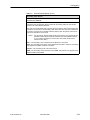
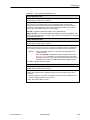
The alarm relay is deactivated when the condition causing the alarm is corrected. If
more than one alarm condition is present, the alarm relay remains active until all alarm
conditions are cleared.
You can also deactivate an alarm via the System Alarm Relay Cut-Off selection from the
Control menu; however, the alarm itself is not cleared. When another alarm condition is
detected, the alarm is reactivated again, requiring another manual deactivation of the
alarm relay.
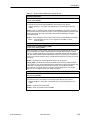
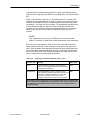
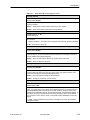
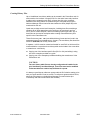
Display Conditions – This option only appears for a FrameSaver SLV 9128 or 9128-II
installed in the 9000 Series Access Carrier.
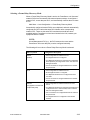
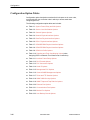
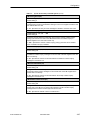
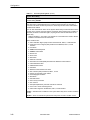
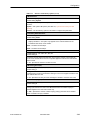
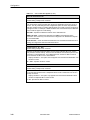
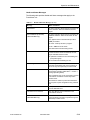
Alarm conditions are:
H Alarm Indication Signal (AIS) received at the Network, DSX-1, or PRI interface
H Continuous Loss of Signal (LOS) condition at the Network, DSX-1, or PRI
interface
H CTS Down
H DBM Download Required
H DBM BRI Card Failed
H Device Fail
H DLCI Down
H DTR Down
H Ethernet Link Down
H Excessive Error Rate (EER) detected at the Network or PRI interface
H Internal Modem Failed
H ISDN Network Failure
H LMI Down
H Network Communication Link Down
H Out of Frame (OOF) at Network, DSX-1, or PRI
H Primary or Secondary Clock Failure
H Power Supply/Fan Failure
H RTS Down
H Self-Test Failure
H SLV Latency Exceeded
H SLV Timeout
H Suboptimal (Maximum) Link Rate Cannot be Achieved
H Two Level-1 Users Accessing Device
H Yellow Alarm Signal on the Network, DSX-1, or PRI interface
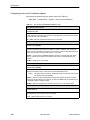
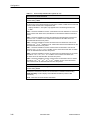
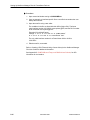
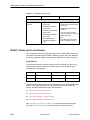
Enable – Activates alarm conditions on the system alarm relay when an alarm condition
occurs.
Disable – Does not activate the system alarm relay when an alarm condition occurs.
3-32
November 2000
9128-A2-GB20-40