1
Advanced Training
1.
Count Function
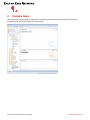
The remainder of the document will be about the more advanced functions that Web Intelligence has to offer.
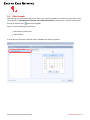
First let’s talk about counting the number of distinct Waitlist Entry ID results there are; this will show us the amount
of procedures that match your defined filters by following the next steps.
1.
2.
3.
4.
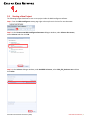
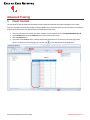
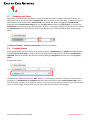
You must first select the column you want counted. For this example it’s the Encrypted Waitlist Entry ID.
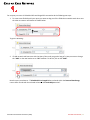
Select Analysis tab and then Functions tab on the left side of the screen.
Click the Count button.
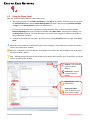
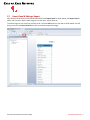
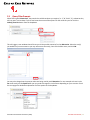
The result of the Count feature is always displayed at the bottom of the column on the last page of the
report. To advance to the last page, you can click the
©Cardiac Care Network of Ontario (2015)
icon at the bottom of the application.
CCN-CRS User Manual |19