1
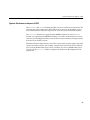
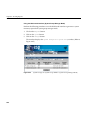
Using the Command Line Interface to Configure SGM Settings
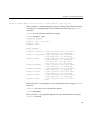
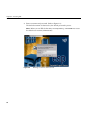
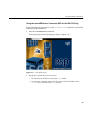
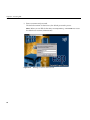
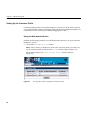
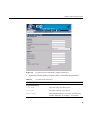
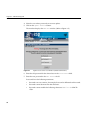
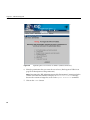
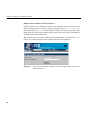
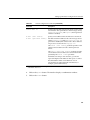
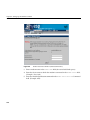
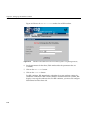
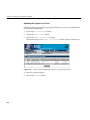
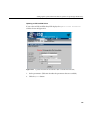
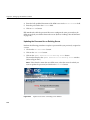
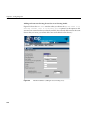
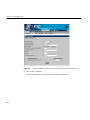
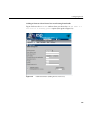
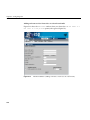
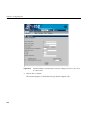
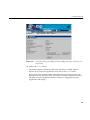
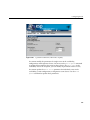
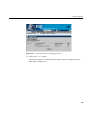
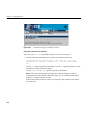
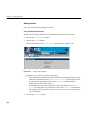
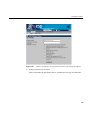
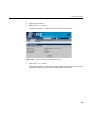
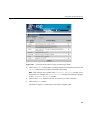
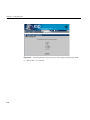
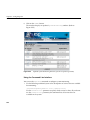
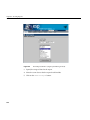
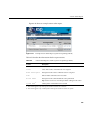
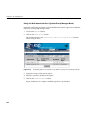
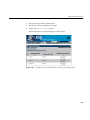
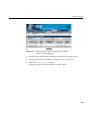
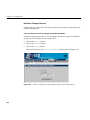
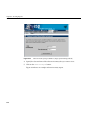
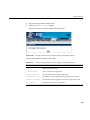
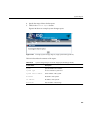
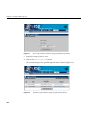
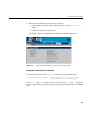
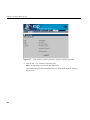
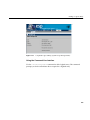
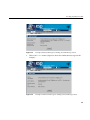
4. Enter the new password in the Password field.
Tip: To remove a password, leave the Password field empty.
5. Click on the Update button.
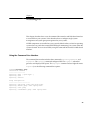
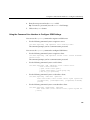
Using the Command Line Interface to Configure SGM Settings
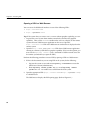
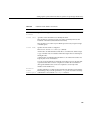
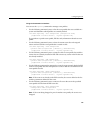
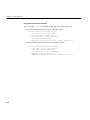
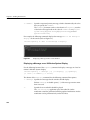
You can use the espconfig command to register an SGM server.
•
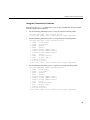
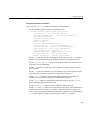
Use the following command syntax to register a server:
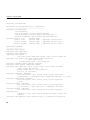
/usr/sbin/espconfig -add sgmserver -host <SGM host name>
The command prompts you for a communication password.
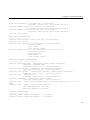
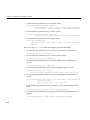
You can use the espconfig command to configure SGM clients.
•
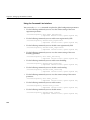
Use the following command syntax to register a client:
/usr/sbin/espconfig -add sgmclient <client alias> <client hostname>
<server alias>
The command prompts you for a communication password.
•
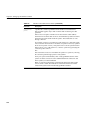
Use the following command syntax to add a client:
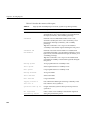
/usr/sbin/espconfig -add sgmclient -alias <client alias>
-host <client hostname>
[-path <client reach path>]
[-group <group descr.>|-gid <group id>]
[-v2|-v3] [-p <password>]
•
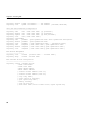
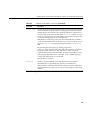
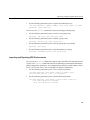
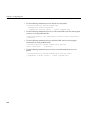
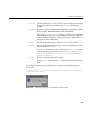
Use the following command syntax to subscribe a client:
/usr/sbin/espconfig -subscribe sgmclient
-host <host name>|-alias <client alias>|-sysid <system id>
[-loadprofiles] [-refreshprofiles] [-lightnode|-fullnode]
[-force]
•
Use the following command syntax to unsubscribe a client:
/usr/sbin/espconfig -unsubscribe sgmclient
-host <host name>|-alias <client alias>|-sysid <system id>
[-force]
135