1
㩷
㩷
㩷
㩷
㩷
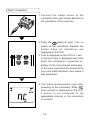
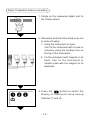
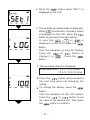
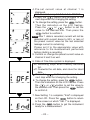
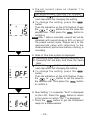
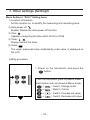
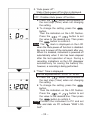
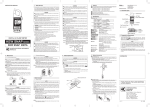
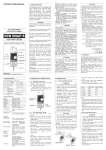
4. Pre-set current value on channel 1 is
displayed.
Can be set at every 1mA from 0 to1000mA.
button and proceed to the
¡ Press the
next step when not changing the setting.
¡ To change the setting, press the
button.
Then the indication on the LCD flashes. Press
the
or
button to set the value the
desired one). Then press the
button to
confirm it.
Note After 1 data is recorded, current will not be
detected until current drops to 50% or less of the
preset current value as the last detected leakage
current is remaining. Please set it to the appropriate
value with reference to the measurement
performed before starting a recording.
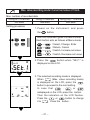
5. Confirm or change the preset current value at
channel 2 and 3 as well.
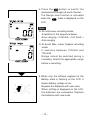
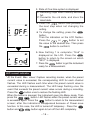
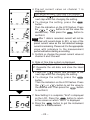
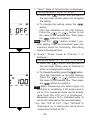
6. State of One-time system is displayed.
on: Recording stops when memory becomes full
off: Overwrite the old data, and store the latest
data.
button and proceed to the
¡ Press the
next step when not changing the setting.
¡ To change the setting, press the
button.
Then the indication on the LCD flashes. Press
the
or
button to set the value to
the desired one. Then press the
button
to confirm it.
㩷
㩷
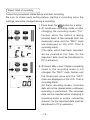
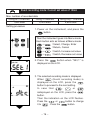
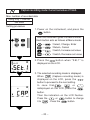
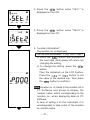
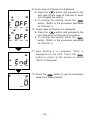
7. Now Setting 2 is complete; "End" is displayed
on the LCD. Press the
button to return
to the screen on which "SEt.2" is displayed.
8. Press the
button to get the instrument
ready for a measurement.
― 22 ―