1
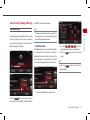
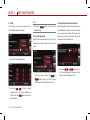
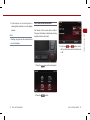
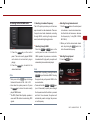
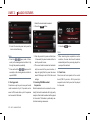
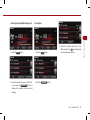
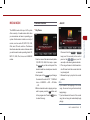
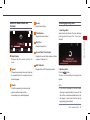
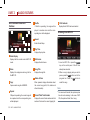
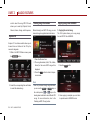
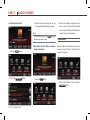
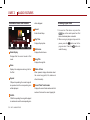
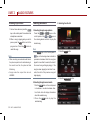
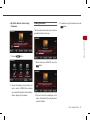
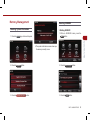
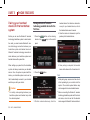
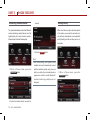
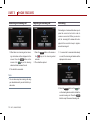
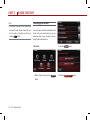
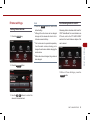
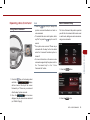
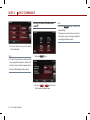
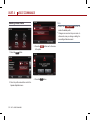
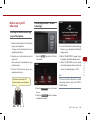
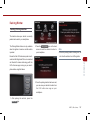
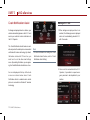
Time Zone Setting
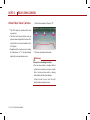
The Time Zone can be set for time related
information within UVO eServices features.
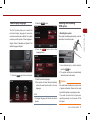
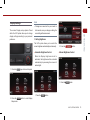
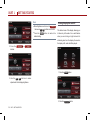
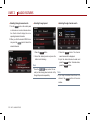
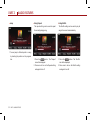
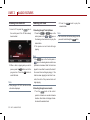
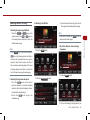
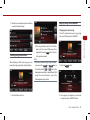
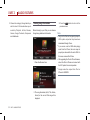
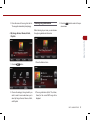
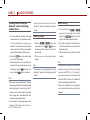
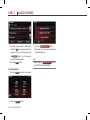
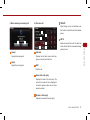
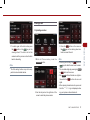
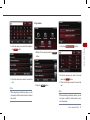
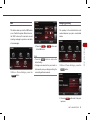
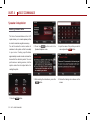
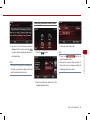
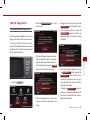
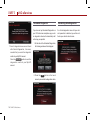
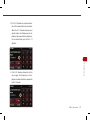
3. When enabling this feature, you must first
agree to the Crash Notification Assist
terms of use. After reading the terms of use, press the
Agree
button on the touch screen to
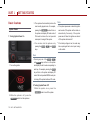
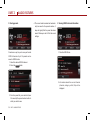
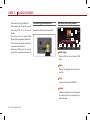
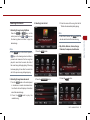
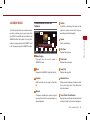
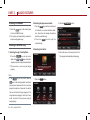
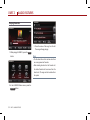
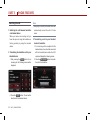
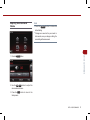
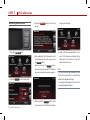
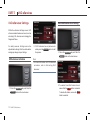
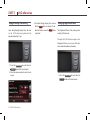
1. Press the eServices key and then the
Settings
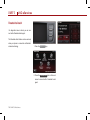
2. Press the
UVO eServices
accept.
button on the touch screen.
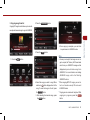
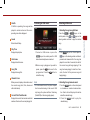
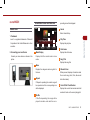
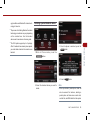
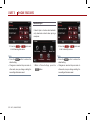
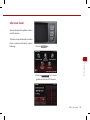
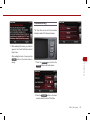
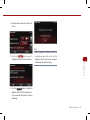
Time Zone
button on the touch
screen to select the correct Time Zone.
PART 5. UVO eServices
113