1
BASIC MEASUREMENT
LCR-800 User Manual
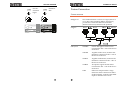
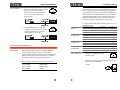
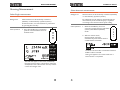
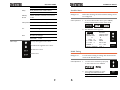
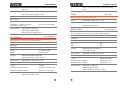
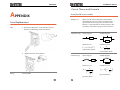
1V
1.1kHz
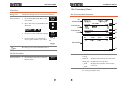
The nearest frequency will be selected from the
504(LCR-281) nominal frequencies, and
updated in the display. Here, the nearest
frequency to 1.1kHz is 1.0909kHz.
Note
After the test frequency has been changed, the zeroing
must be performed again. See page 24
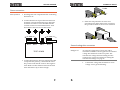
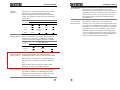
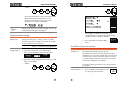
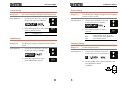
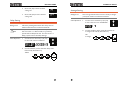
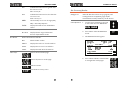
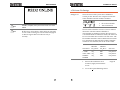
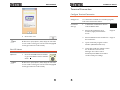
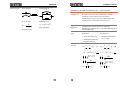
The voltage is updated in the display. If the
voltage entered is outside the allowable voltage
range, the nearest voltage is selected.
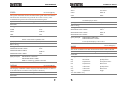
Set measurement voltage
Background
Voltage setting
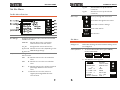
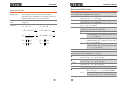
Along with frequency, voltage can be set. Make
sure the appropriate voltage is selected, according
to the component characteristics.
Range
5mV ~ 1.275V (5mV steps) <200kHz
100mV ~ 1.275 (5mV steps) @200kHz
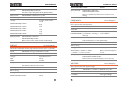
Set PPM for D/Q measurements
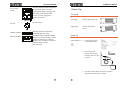
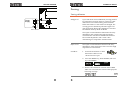
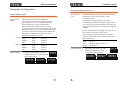
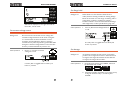
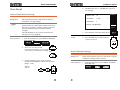
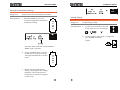
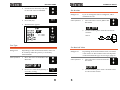
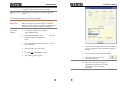
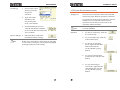
1. From the main menu, press MENU (F5)
followed by SETTING (F3) and VOLT (F2)
Background
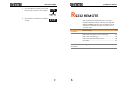
3. Press (F5) EXIT to exit the Setting
menu.
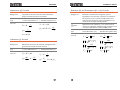
2. Enter the voltage using the numerical keys, and
then press ENTER.
100mV
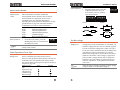
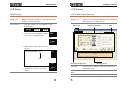
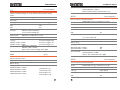
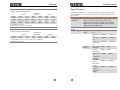
Dissipation and Quality Factor (D/Q)
measurements can be shown in parts per million
(PPM) if D/Q is less than 0.0100. This increases the
resolution by a factor of 100. The units of D and Q
are dimensionless and are expressed as a decimal
ratio with a multiplier of 1,000,000.
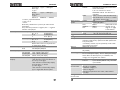
Ensure the operating mode has a D or Q component.
See page 33.
Panel operation
37
38
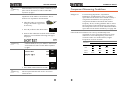
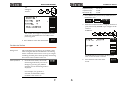
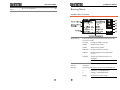
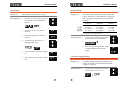
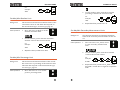
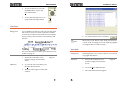
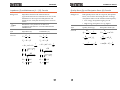
1.
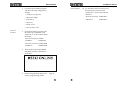
Press 4/PPM to turn PPM on or off
for all D/Q measurements