1
2
Contents
ENGLISH
ENG
CONTENTS
3
LICENSE
23 CUSTOMIZING SETTINGS
23
Activating the Main Menu
ASSEMBLING AND
PREPARING
24
Customizing Settings
24
- Menu Settings
4
Product Composition
25
- Ratio Settings
5
Component and Button Description
26
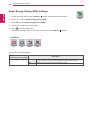
- Super Energy Saving (SES) Settings
6
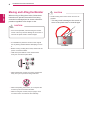
Moving and Lifting the Monitor
27
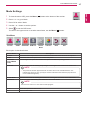
- Mode Settings
7
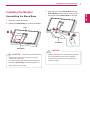
Installing the Monitor
28
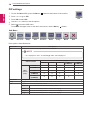
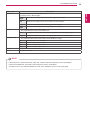
- PIP settings
7
- Assembling the Stand Base
30
- Picture
8
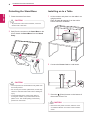
- Detaching the Stand Base
31
- Color
8
- Installing on to a Table
32
- Settings
9
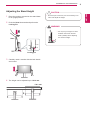
- Adjusting the Stand Height
10
- Adjusting the Angle
10
- Tidying Cables
11
- Pivot Feature
12
- Using the Kensington Lock
12
- Adjusting the Angle
13
- Adjusting the Angle
13
- Installing on the Wall
4
15 USING THE MONITOR
15
Connecting to a PC
15
- HDMI Connection
16
- DVI Connection
16
- DisplayPort Connection
17
- Thunderbolt ( ) Connection
17
Connecting AV Devices
17
- HDMI Connection
18
Connecting Peripherals
18
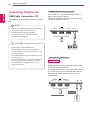
- USB Cable Connection - PC
19
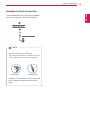
- Headphone Port Connection
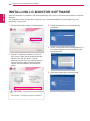
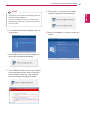
20 INSTALLING LG MONITOR
SOFTWARE
33 TROUBLESHOOTING
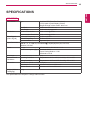
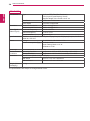
35 SPECIFICATIONS
37
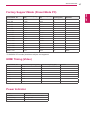
Factory Support Mode (Preset Mode PC)
37
HDMI Timing (Video)
37
Power Indicator
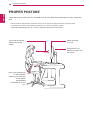
38 PROPER POSTURE