1
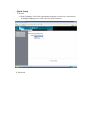
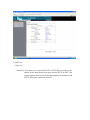
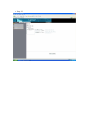
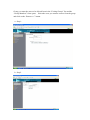
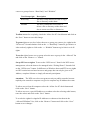
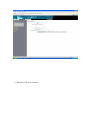
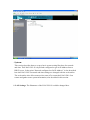
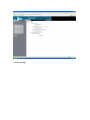
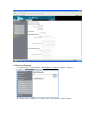
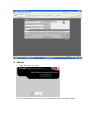
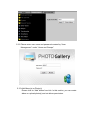
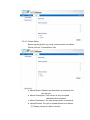
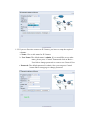
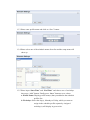
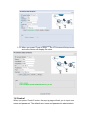
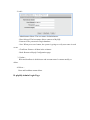
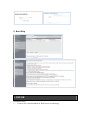
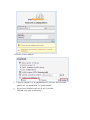
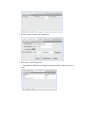
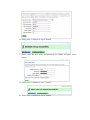
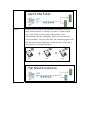
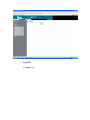
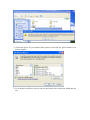
4. Please create a new database named “gallery” by press phpMyAdmin .
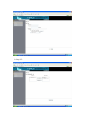
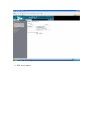
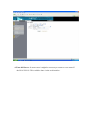
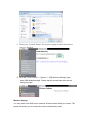
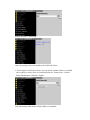
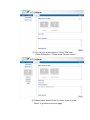
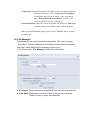
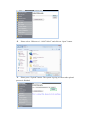
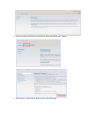
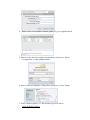
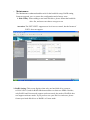
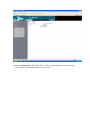
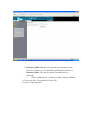
5. Please use the user name and password which created from “Mysql
Configuration” to login phpMyAdmin.
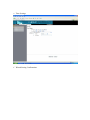
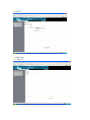
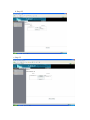
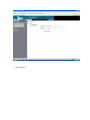
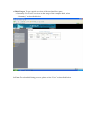
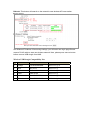
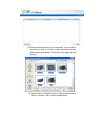
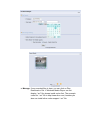
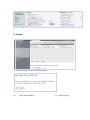
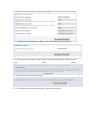
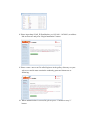
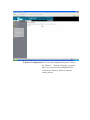
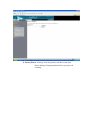
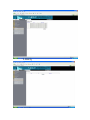
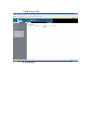
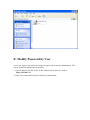
6. Please create new database called gallery and press “Create” button.
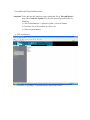
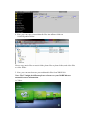
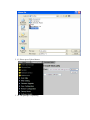
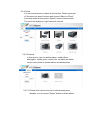
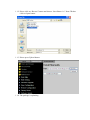
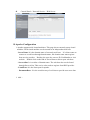
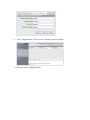
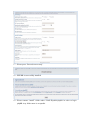
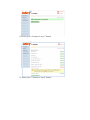
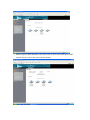
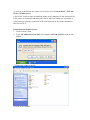
7. Please compress gallery-2.3-full.zip and copy all of data to
\\NAS-IP\Public\Gallery.